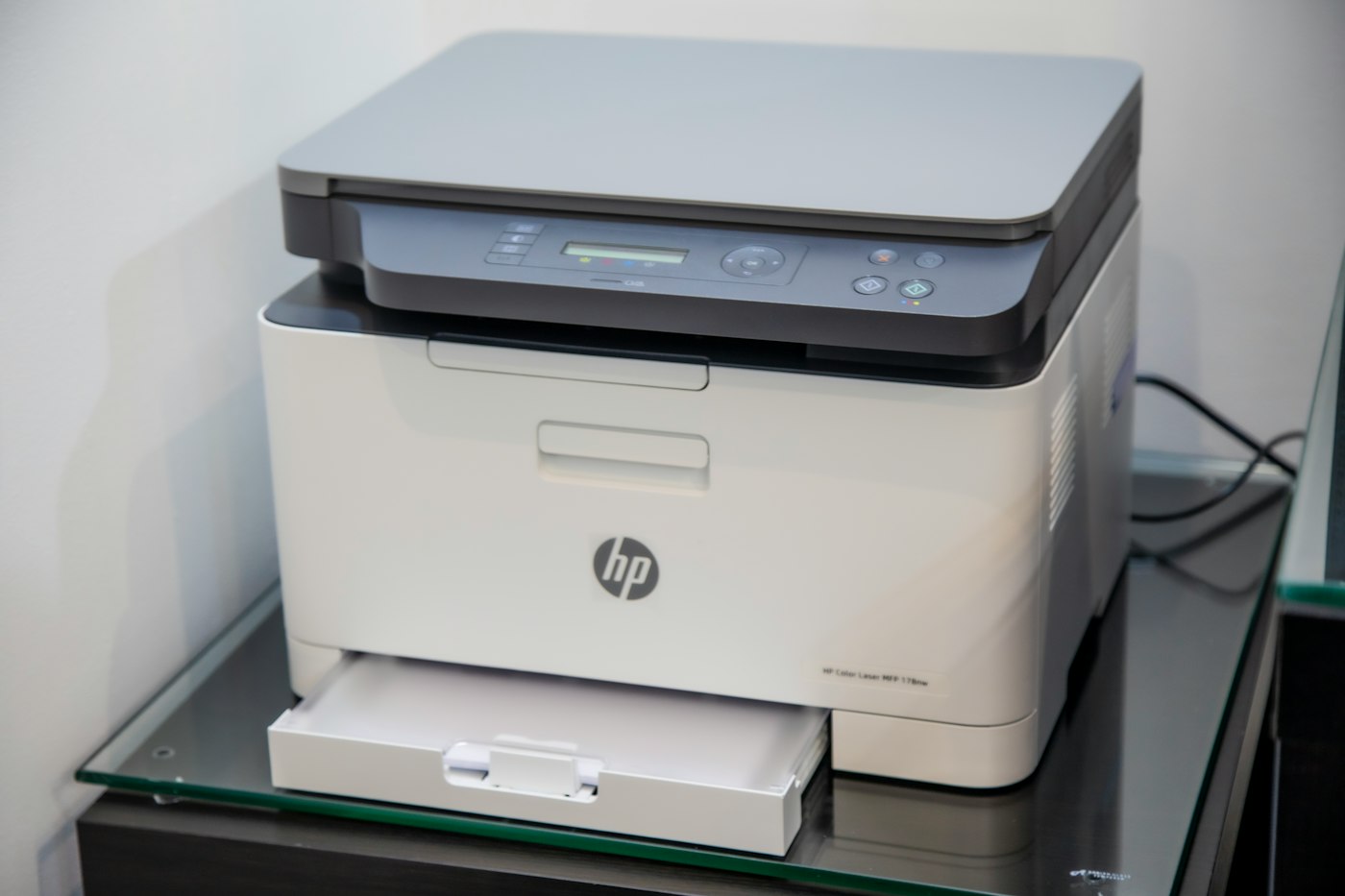
Blank pages usually mean an ink or print head issue.
1. Check ink levels
Replace empty cartridges.
2. Remove protective tape
New cartridges have tape that must be removed.
3. Clean the print heads
Run the cleaning cycle from the printer menu.
4. Reseat cartridges
Remove and reinsert them firmly.
5. Print regularly
Inkjet printers can clog if unused for weeks.