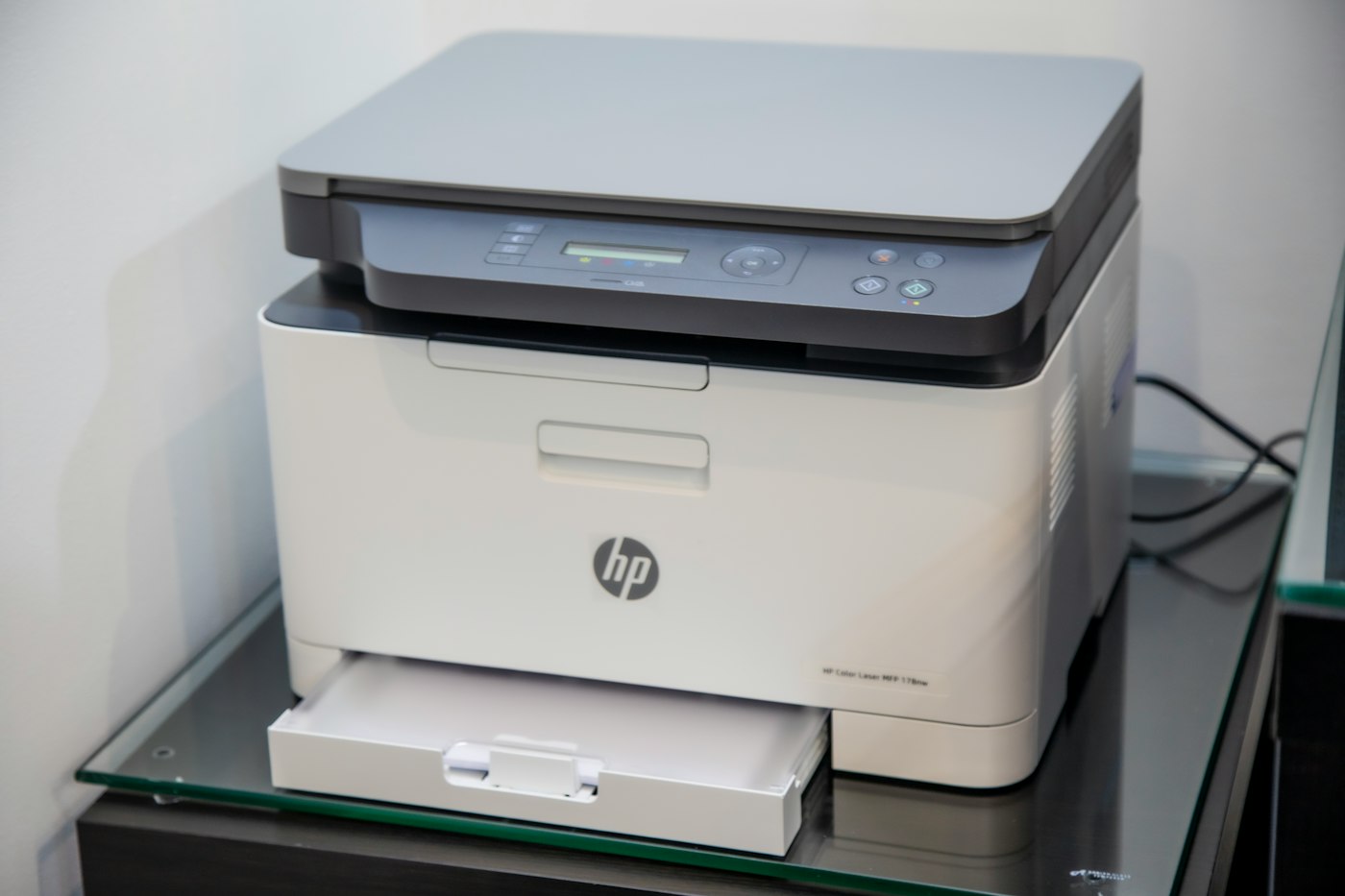
An offline printer usually has lost its connection to your computer or network.
Quick fix: Restart the printer and your computer, then check it’s on the same Wi-Fi.
1. Restart printer and PC
Turn both off and on.
2. Check the connection
For USB, reconnect the cable. For Wi-Fi, make sure the printer is on the same network as your computer.
3. Turn off “Use Printer Offline”
On Windows, open Settings > Bluetooth & devices > Printers & scanners > your printer > Open print queue, then untick Use Printer Offline in the Printer menu.
4. Clear the print queue
Cancel all stuck documents in the queue.
5. Set as default printer
Make sure you’re printing to the right printer.
6. Reinstall the printer
Remove it and add it again, or install the latest driver from the manufacturer.