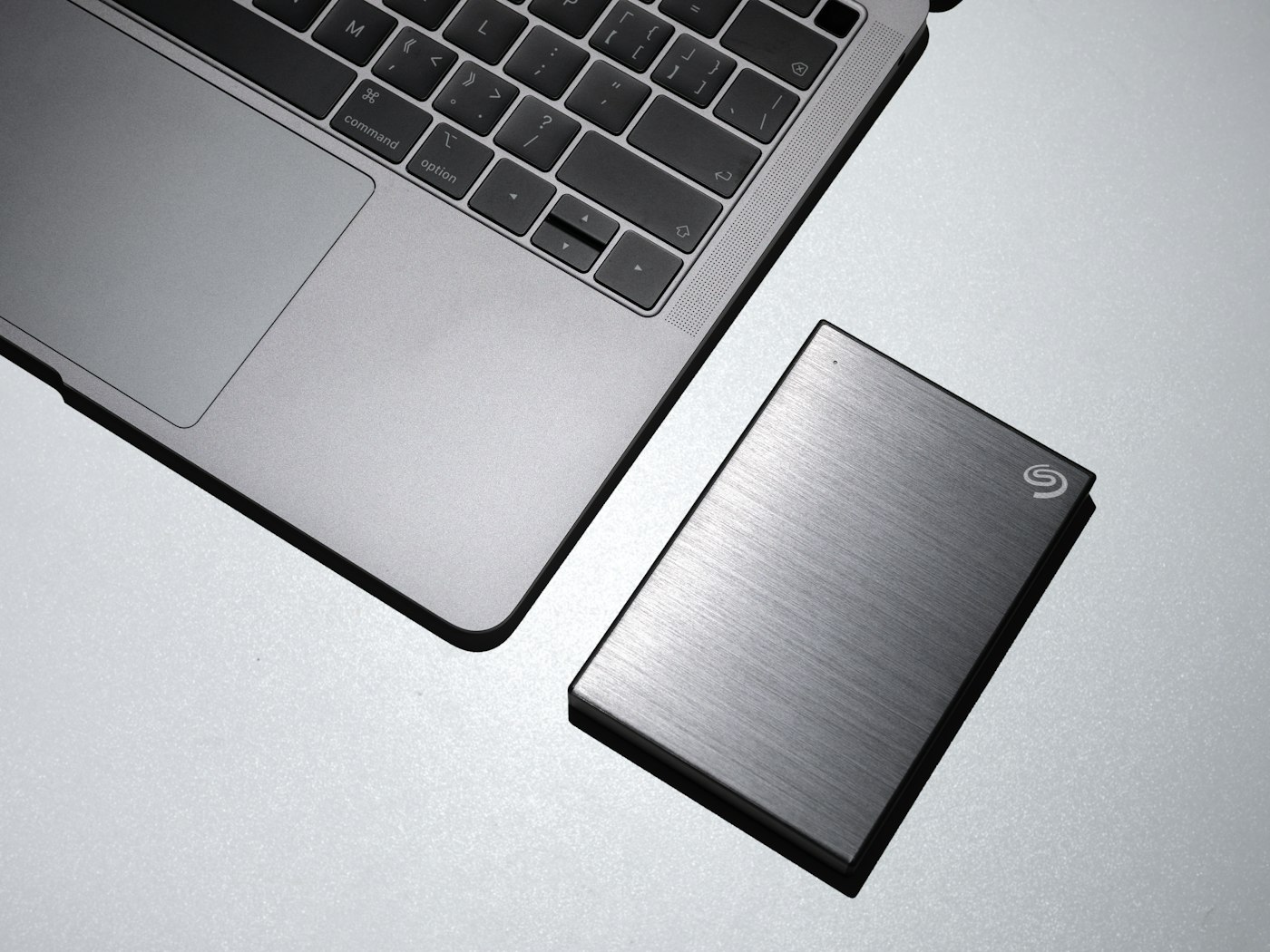
If your external drive isn’t appearing, check the connection and disk settings.
1. Try another port and cable
Many problems are caused by faulty cables.
2. Check Disk Management (Windows)
Right-click Start > Disk Management. If the drive is listed without a letter, right-click and choose Change Drive Letter and Paths.
3. Check Disk Utility (Mac)
Open Disk Utility and click Mount if the drive is listed.
4. Check Finder settings (Mac)
Finder > Settings > General, tick External disks.
5. Don’t format if you need the data
If asked to format, decline. Formatting erases data. Seek data recovery help instead.