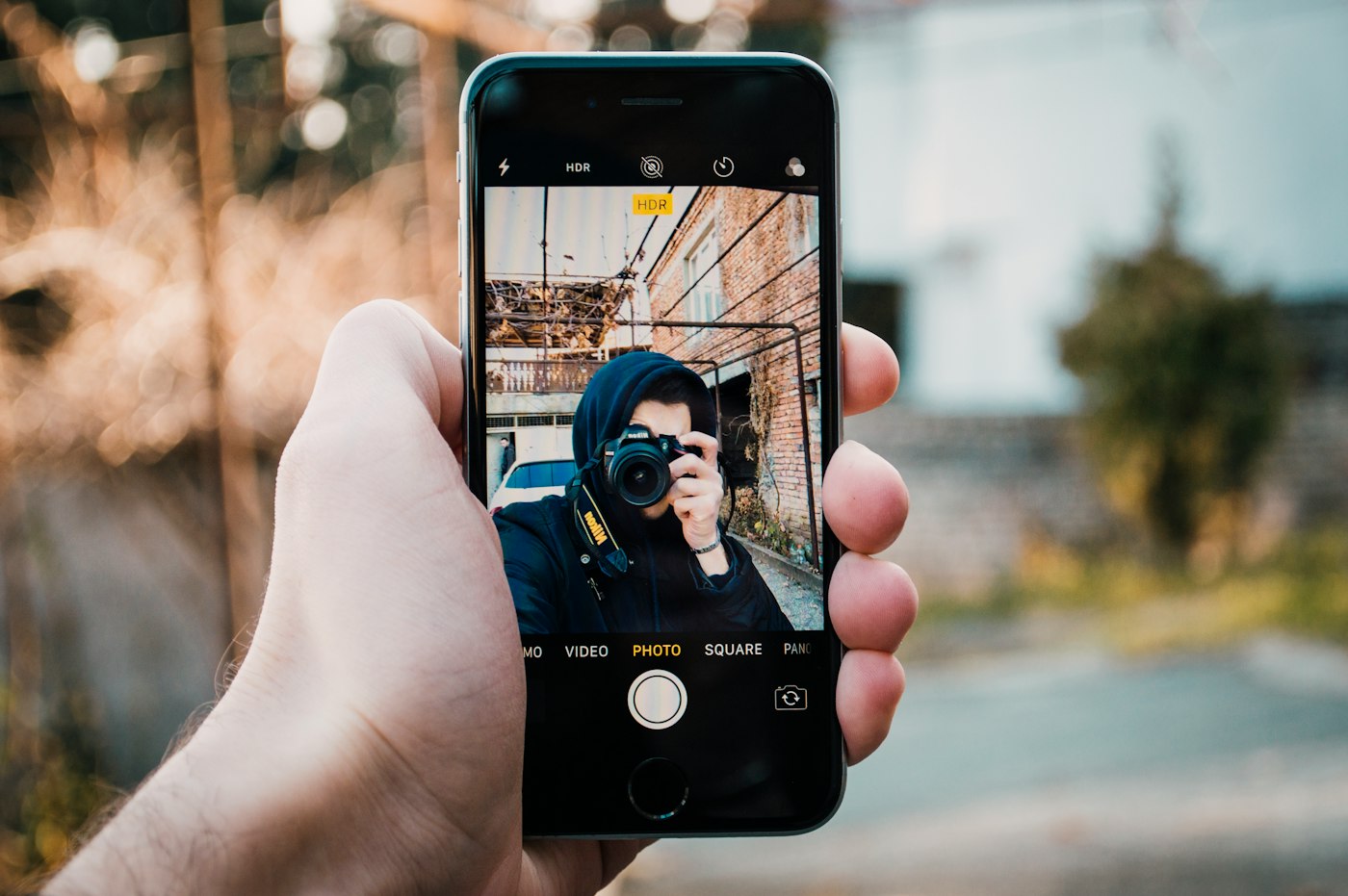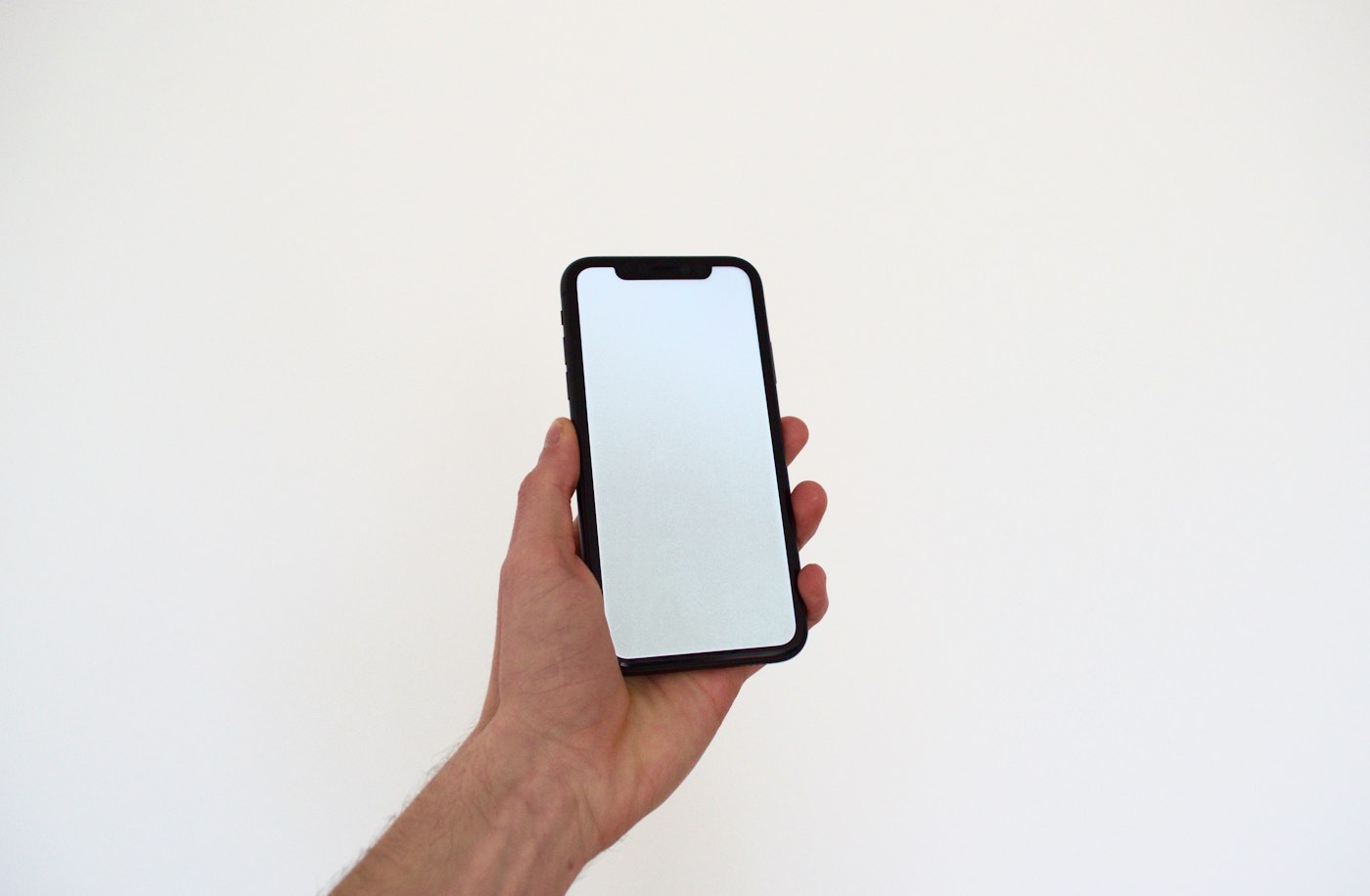
Taking a screenshot on iPhone takes just two buttons.
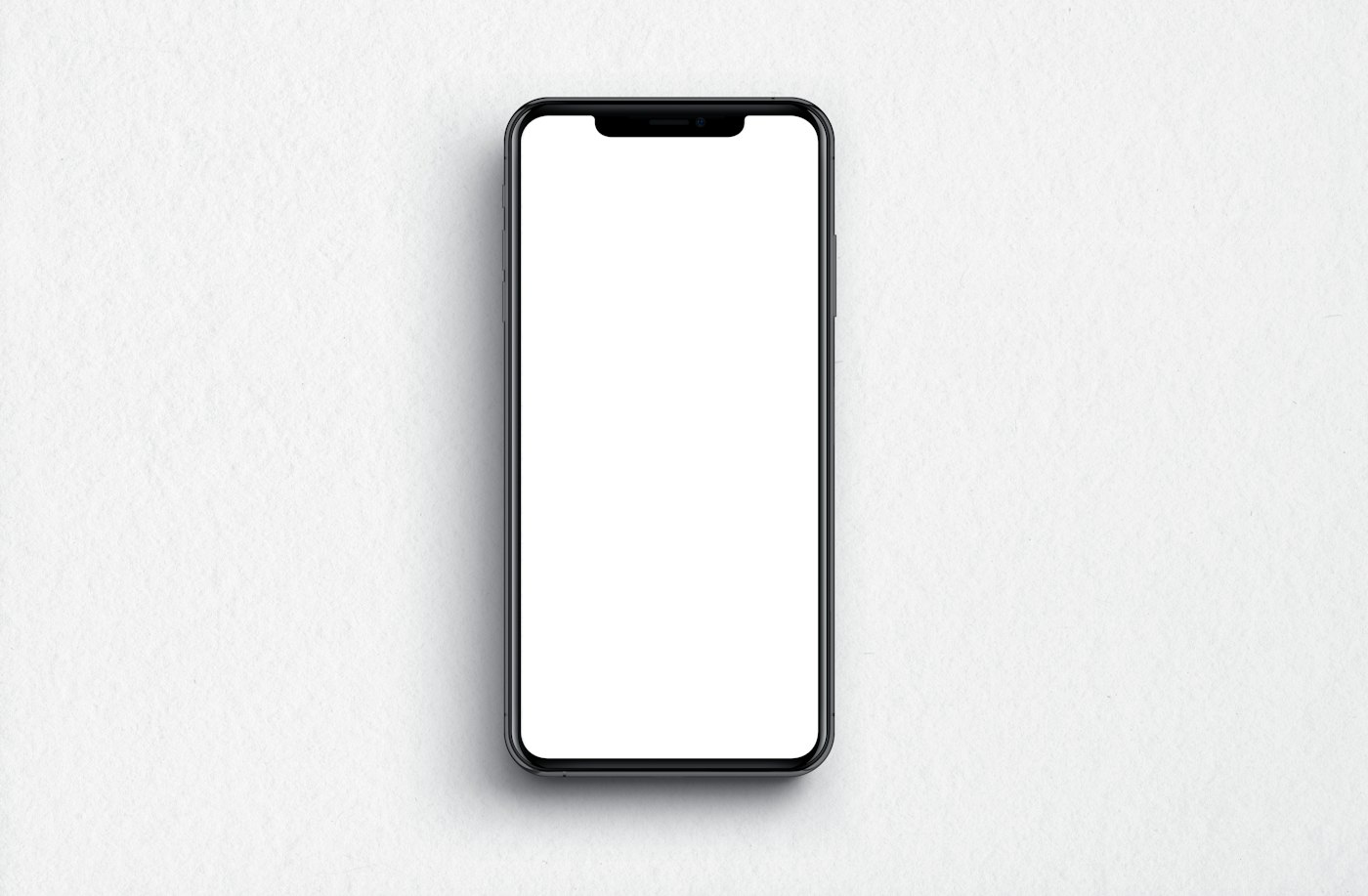
1. iPhone with Face ID
Press the side button and Volume Up at the same time, then quickly release.
2. iPhone with Home button
Press the side (or top) button and the Home button together.
3. Back Tap
Go to Settings > Accessibility > Touch > Back Tap and set Double Tap to Screenshot.
4. Full-page screenshot
In Safari, take a screenshot, tap the preview, and choose Full Page to save the whole web page as a PDF.