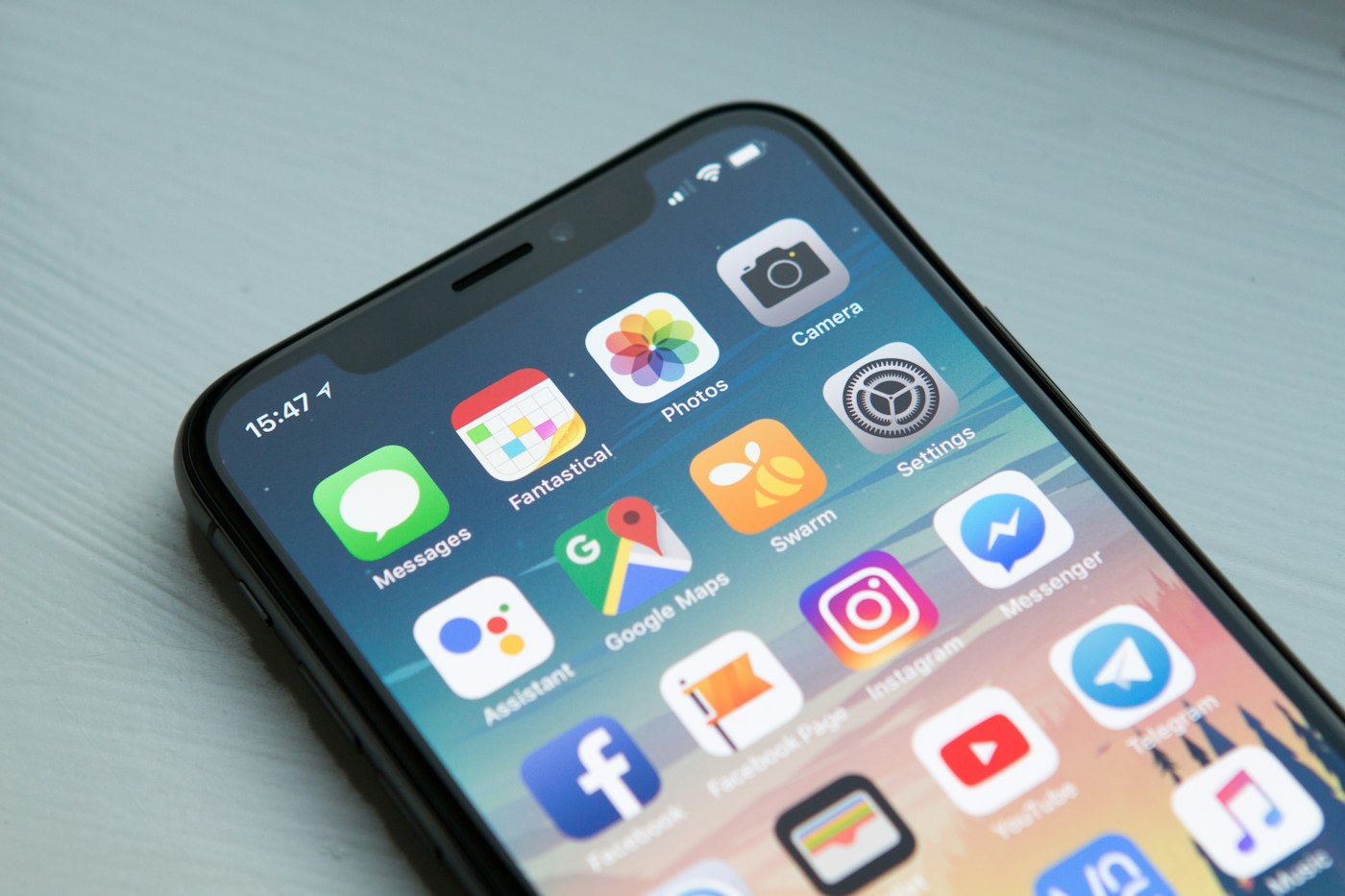
Apps that crash repeatedly usually need an update, cache clear or more storage.
1. Update the app
Check the Play Store for updates.
2. Clear cache
Settings > Apps > [app] > Storage > Clear cache.
3. Clear data
If needed, clear data (you may need to log in again).
4. Free up storage
Apps crash when storage is too low.
5. Update Android System WebView
Update it in the Play Store; it affects many apps.
6. Reinstall the app
Uninstall and reinstall from the Play Store.