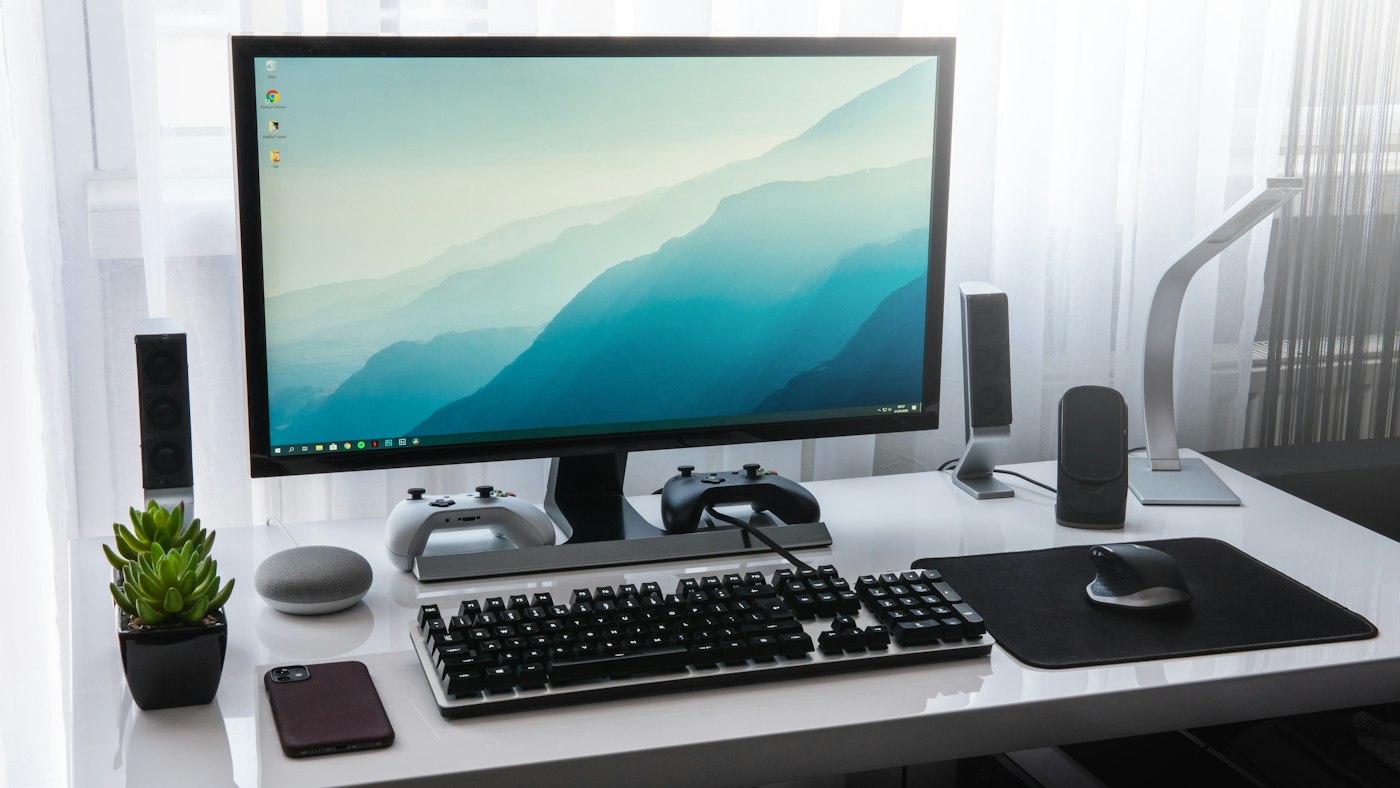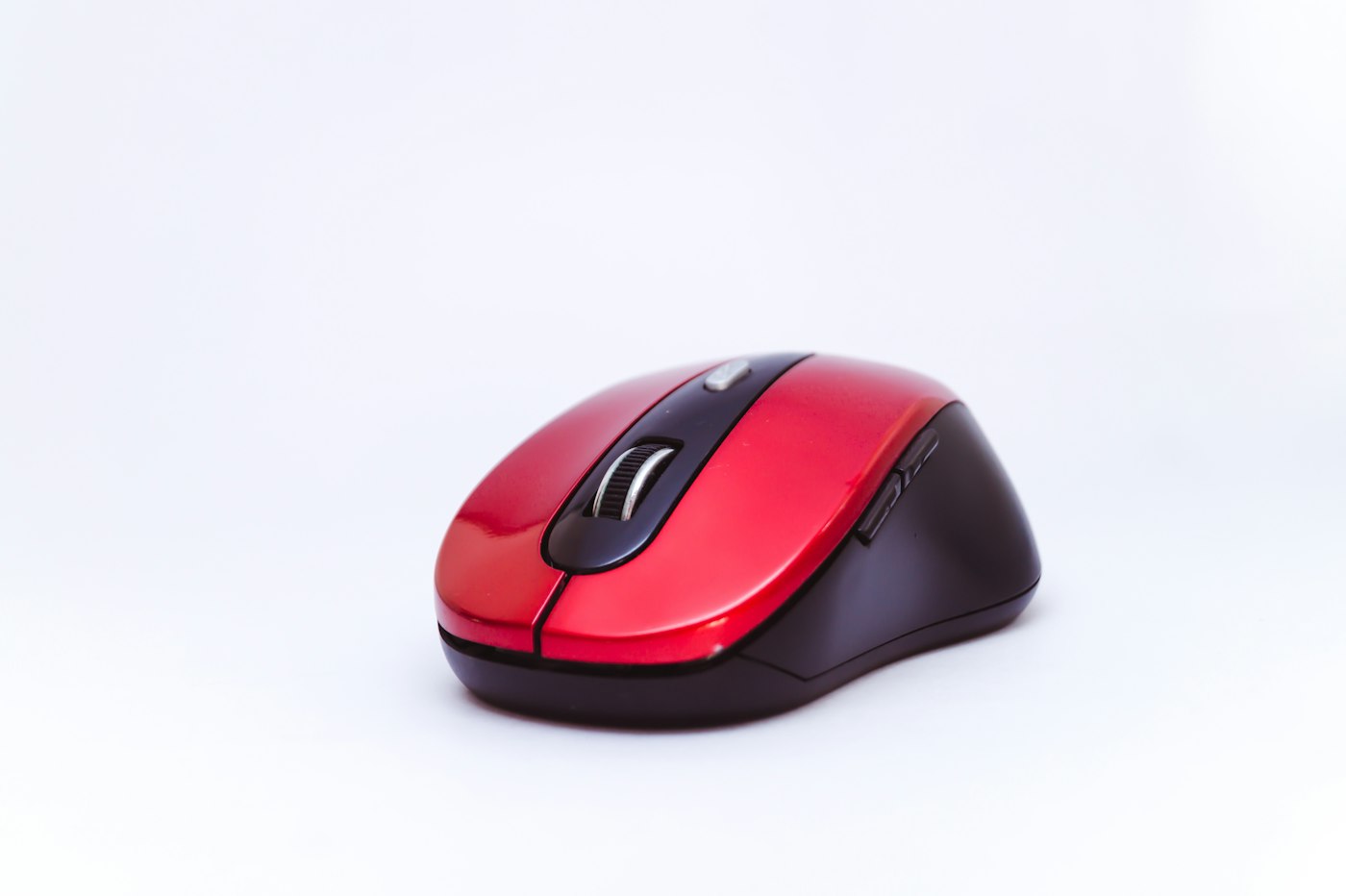
A mouse that suddenly stops working is usually easy to fix.
1. Check batteries
Replace or recharge wireless mouse batteries.
2. Try another USB port
Plug the receiver or cable into another port.
3. Re-pair Bluetooth mice
Remove and pair it again.
4. Clean the sensor
Wipe the sensor and use a mouse pad on shiny surfaces.
5. Update the driver
Device Manager > Mice and other pointing devices.