Overheating slows your laptop and can damage parts over time.
1. Use it on a hard surface
Beds and pillows block air vents.
2. Clean the vents
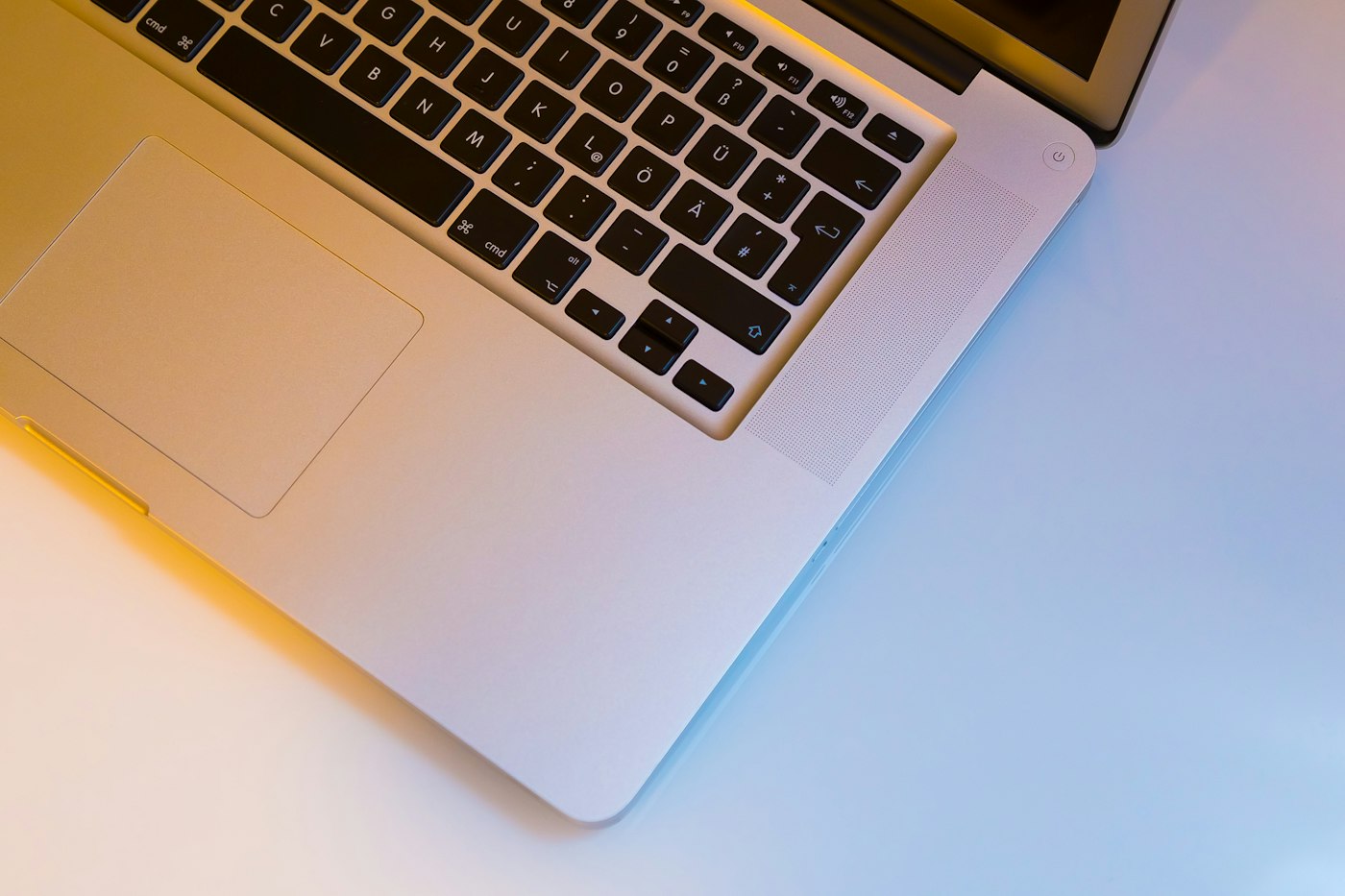
Use compressed air to blow out dust.
3. Use a cooling pad
A cooling pad adds extra airflow.
4. Close heavy programs
Check Task Manager for high CPU usage.
5. Update BIOS and drivers
Manufacturers release fixes for fan control.
6. Get it serviced
If the fan is noisy or not spinning, have it checked.