








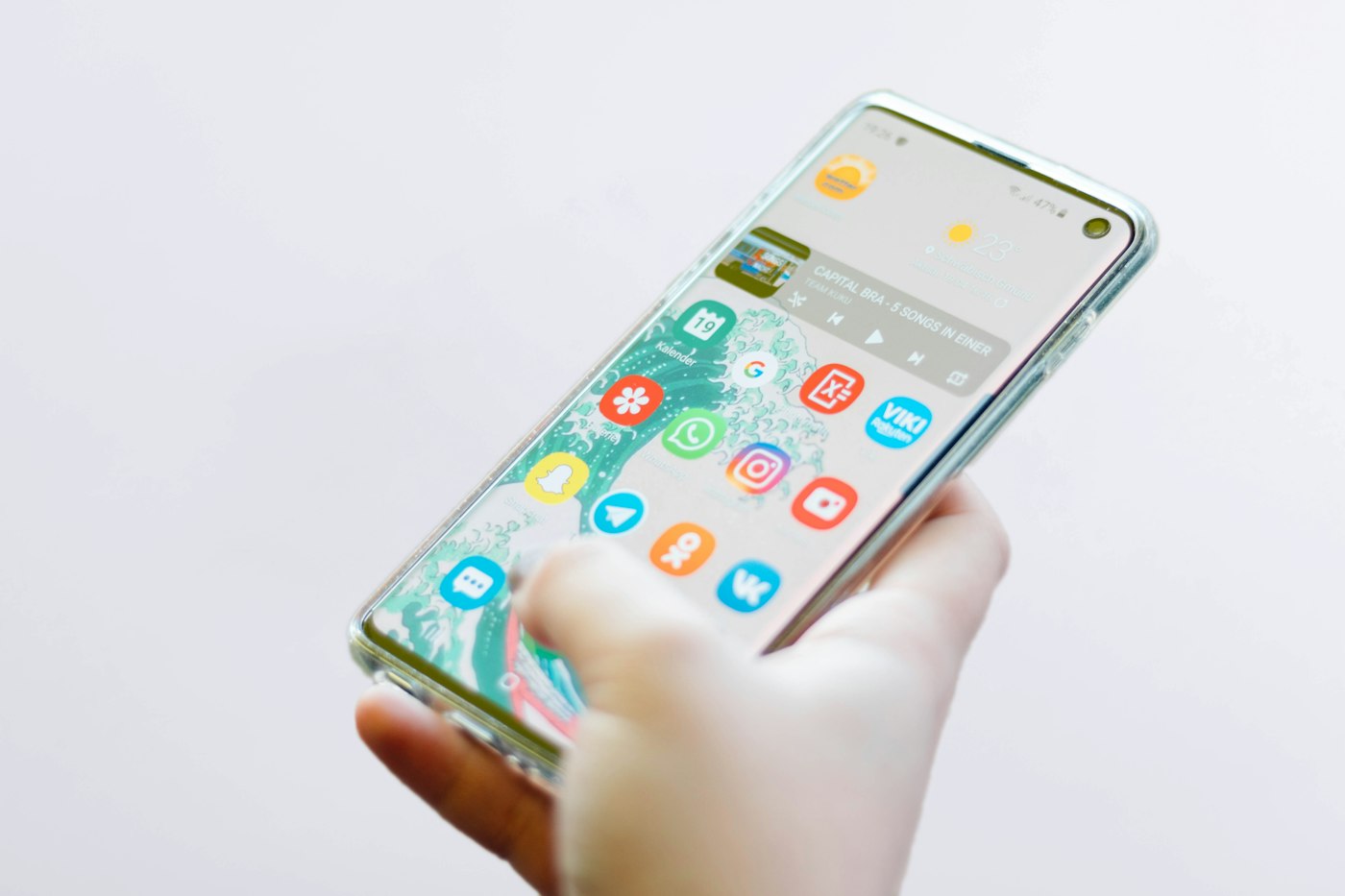
Android phones slow down over time as storage fills and apps pile up. These steps can make a noticeable difference.
Before You Start
- Charge your phone above 20%.
- Back up photos and important data.
- Note when the slowness started.
1. Restart your phone
A weekly restart clears memory and stops stuck background processes.
2. Free up storage
Go to Settings > Storage (or Device care) and remove large files, old downloads and unused apps. Try to keep at least 10–15% free.
3. Update Android and apps
Check Settings > System > Software update, and update apps in the Play Store.
4. Clear app cache
For apps that feel slow, go to Settings > Apps > [app] > Storage > Clear cache. This doesn’t delete your data.
5. Remove widgets and live wallpapers
These use memory and battery. A simple home screen feels faster.
6. Use lite apps
Try lighter versions of apps like Facebook Lite or Google Go on older phones.
7. Factory reset as a last resort
Back up your phone first, then use Settings > System > Reset options > Erase all data.
Why This Happens
Android phones slow down as storage fills up, apps run in the background, software ages and batteries wear out. Older phones may also struggle with newer, heavier apps.
Still Not Working? Try These Advanced Fixes
- Turn on Developer options and reduce animation scales to 0.5x.
- Check Settings > Battery for apps using excessive power.
- Uninstall apps you don’t recognise.
- Boot into Safe Mode to check if a third-party app is the cause.
How to Prevent This Problem
- Keep 15% storage free.
- Update apps and Android regularly.
- Restart weekly.
- Install apps only from the Play Store.
Quick Troubleshooting Table
| Problem | Try this |
|---|---|
| Laggy apps | Clear cache |
| Storage full | Use Files by Google |
| Slow after update | Restart and clear cache |
| Very old phone | Use lite apps |
Frequently Asked Questions
Does a factory reset help?
Often yes, but back up first.
Do RAM booster apps work?
Usually not; avoid them.
Do task killer apps help?
Usually no. Android manages memory itself, and these apps can make things worse.