If other devices connect fine but your Android phone doesn’t, try these steps.
1. Toggle Wi-Fi and airplane mode
Turn Wi-Fi off and on, or turn airplane mode on for 10 seconds and off again.
2. Forget the network
Go to Settings > Network & internet > Wi-Fi, tap the network and choose Forget. Reconnect with the password.
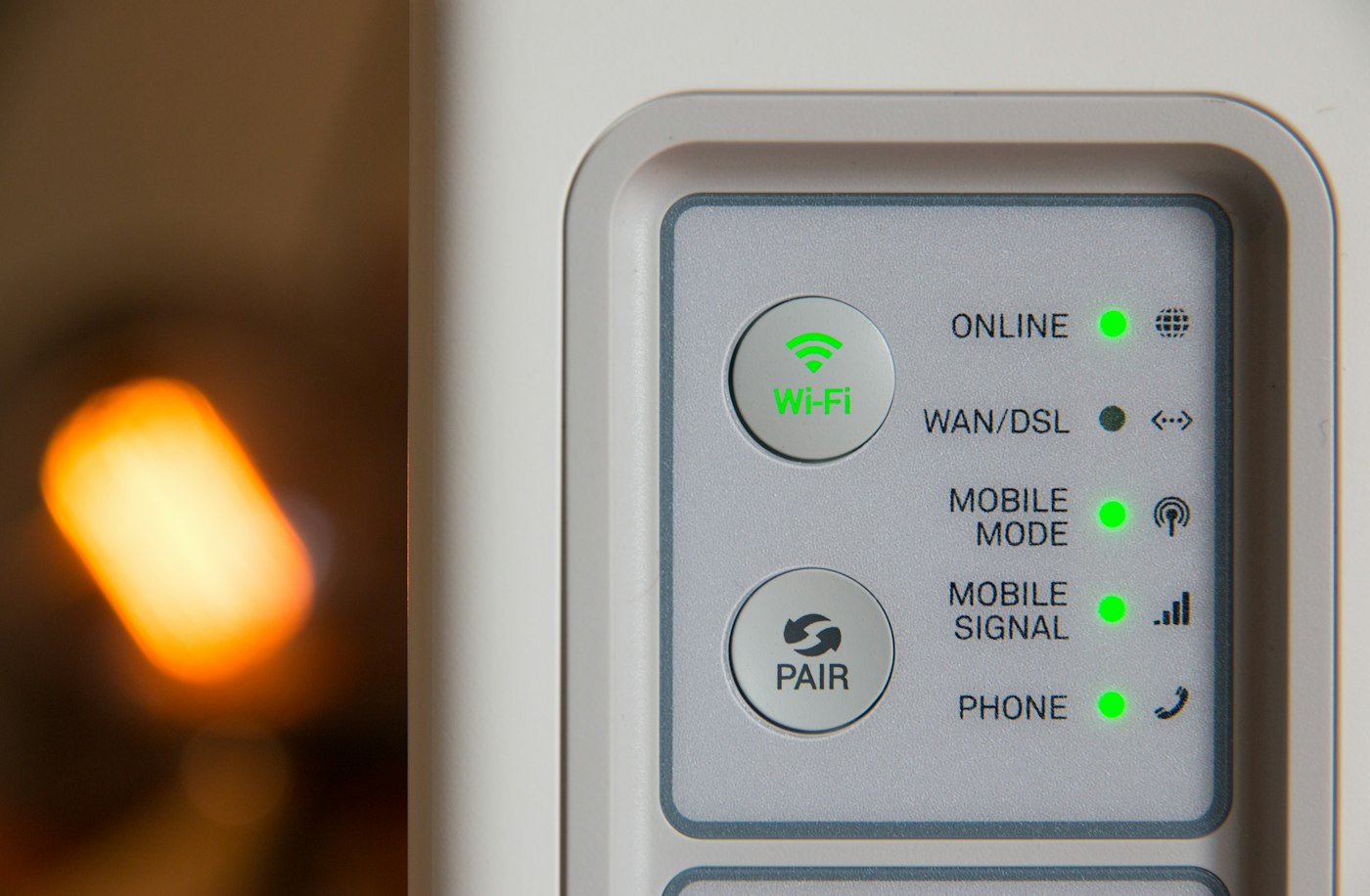
3. Restart phone and router
Restart both devices.
4. Turn off private DNS or VPN
A VPN or custom DNS can block connections. Disable them to test.
5. Reset network settings
Settings > System > Reset options > Reset Wi-Fi, mobile & Bluetooth. You’ll need to re-enter Wi-Fi passwords.