Play Store problems are common and usually easy to fix.
1. Check your internet
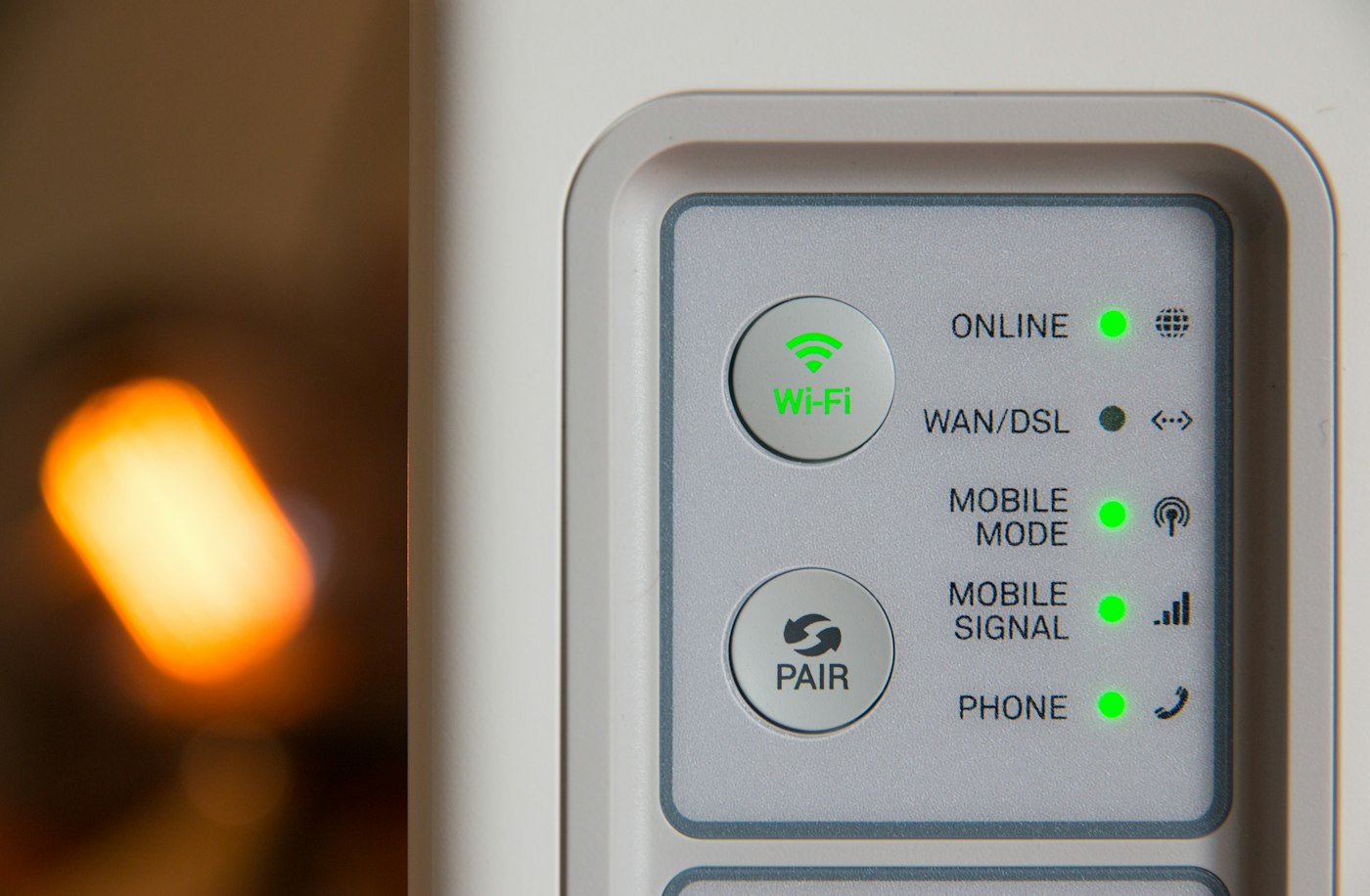
Switch between Wi-Fi and mobile data to rule out a connection problem.
2. Check storage
Downloads fail if storage is nearly full.
3. Clear Play Store cache
- Go to Settings > Apps > Google Play Store.
- Tap Storage > Clear cache.
- Restart the phone and try again.
4. Clear Google Play services cache
Do the same for Google Play services.
5. Check date and time
Set date and time to automatic in Settings > System.
6. Remove and re-add your Google account
As a last step, remove your Google account and sign in again. Make sure you know your password first.