








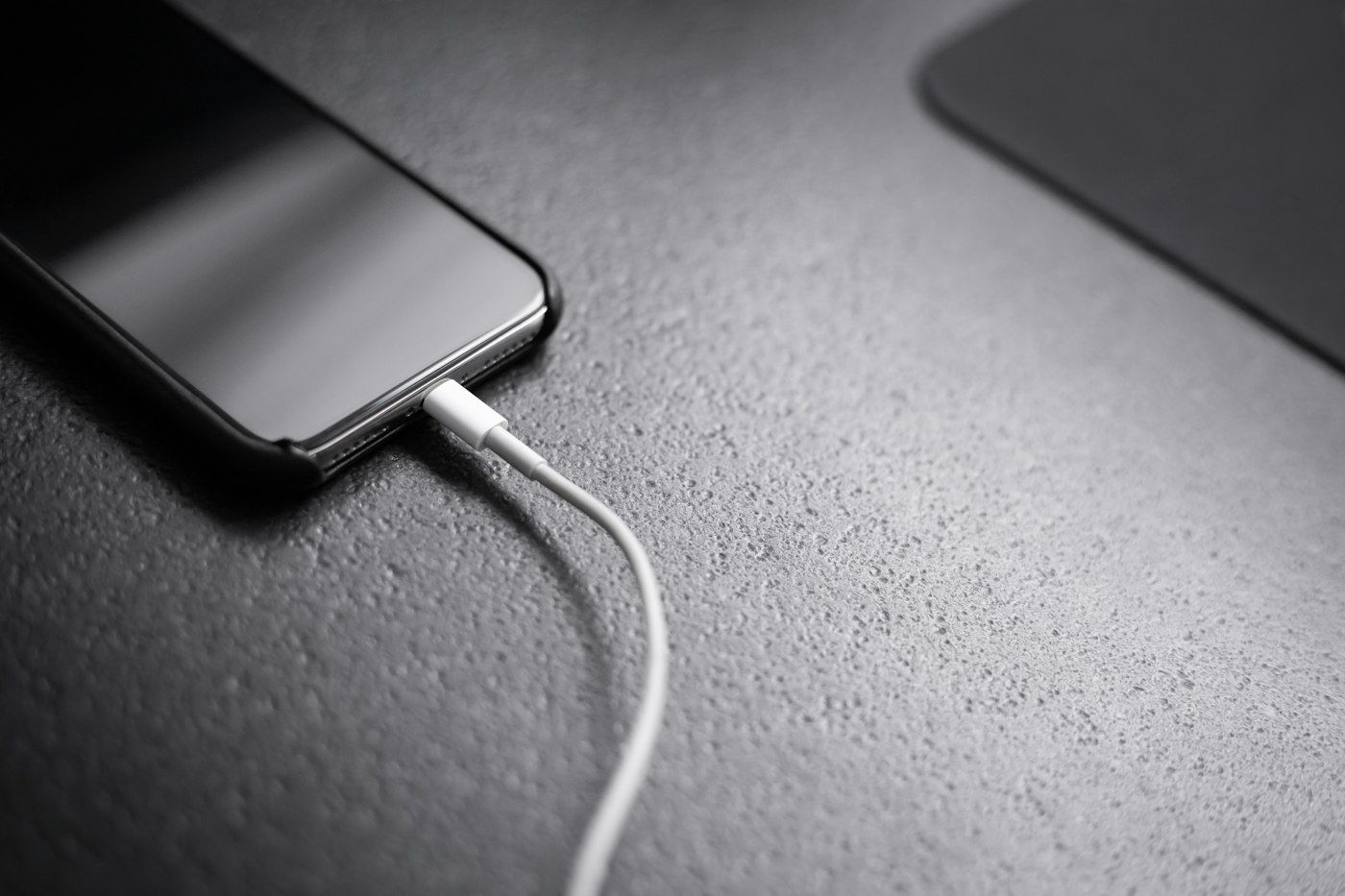
If your phone barely lasts the day, a few settings changes can help a lot.
Before You Start
- Note your typical daily usage.
- Check if the phone gets hot.
- Check battery health if available.
1. Check battery usage
Go to Settings > Battery > Battery usage to see which apps use the most power.
2. Lower screen brightness
Turn on adaptive brightness and shorten the screen timeout to 30 seconds.
3. Use dark mode
On phones with OLED screens, dark mode saves battery.
4. Restrict background apps
For heavy apps, open Settings > Apps > [app] > Battery and choose Restricted or Optimised.
5. Turn on battery saver
Battery Saver limits background activity when you need the phone to last longer.
6. Turn off unused features
Switch off Bluetooth, location and mobile hotspot when not needed.
7. Check battery health
If the phone is several years old, the battery may be worn. A replacement at an authorised service centre can bring back full-day battery life.
Tips
- Avoid leaving your phone in hot places like a car dashboard.
Why This Happens
Battery drain is often caused by bright screens, background apps, poor signal, location services and ageing batteries. A single misbehaving app can also drain power quickly.
Still Not Working? Try These Advanced Fixes
- Check for apps with high background usage and restrict them.
- Turn off “Always-on display”.
- Reset network settings if signal is weak.
- Have the battery tested at a service centre.
How to Prevent This Problem
- Avoid extreme heat.
- Use original or certified chargers.
- Keep software updated.
- Avoid letting the battery drop to 0% often.
Quick Troubleshooting Table
| Problem | Try this |
|---|---|
| Drains overnight | Check background apps |
| Hot while idle | Update apps, safe mode |
| Drains fast on data | Weak signal; use Wi-Fi |
| Old battery | Replace at service centre |
Frequently Asked Questions
Should I charge to 100%?
Many phones have battery protection; follow your phone’s settings.
Does dark mode save battery?
Yes on OLED screens.