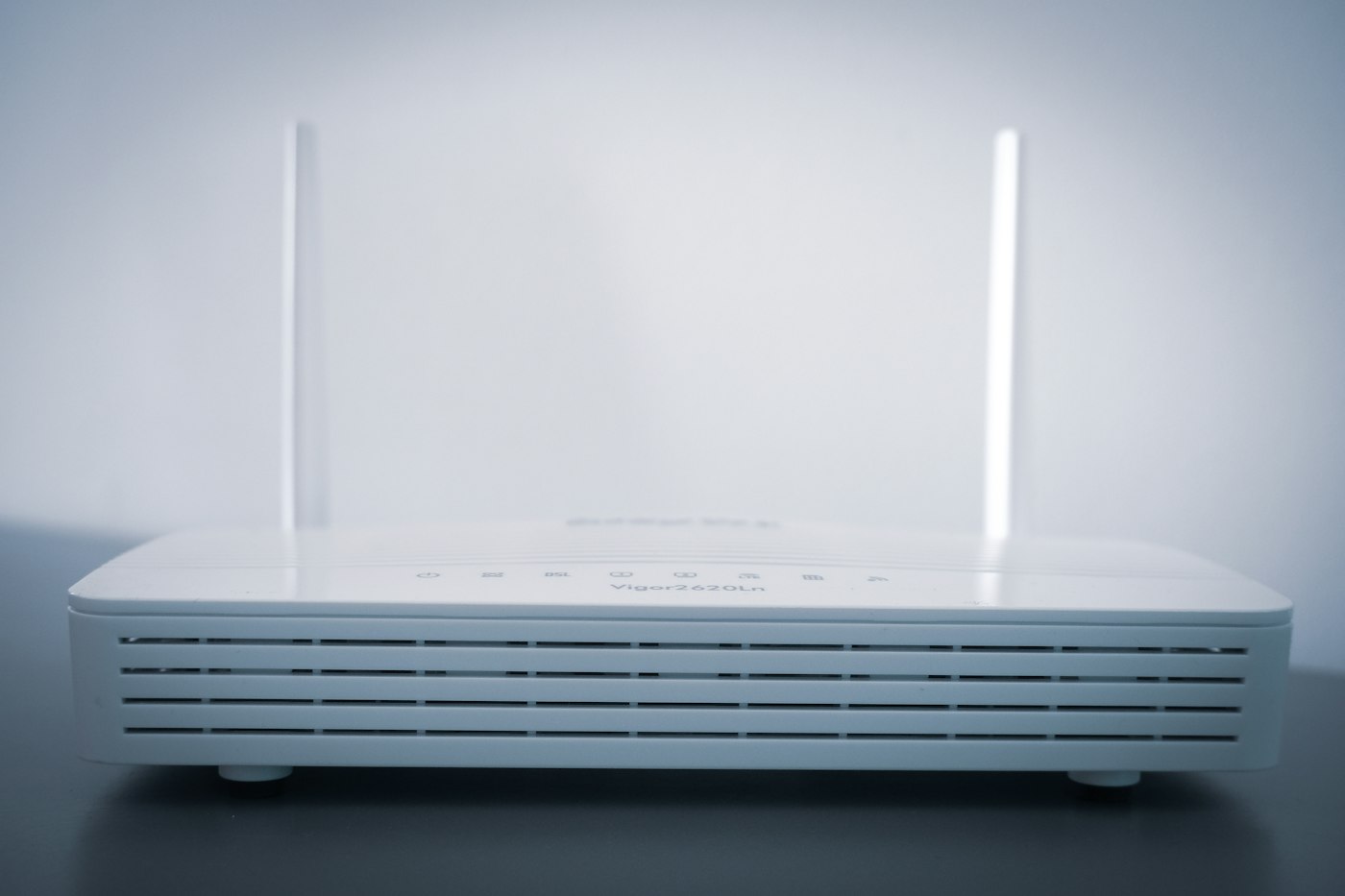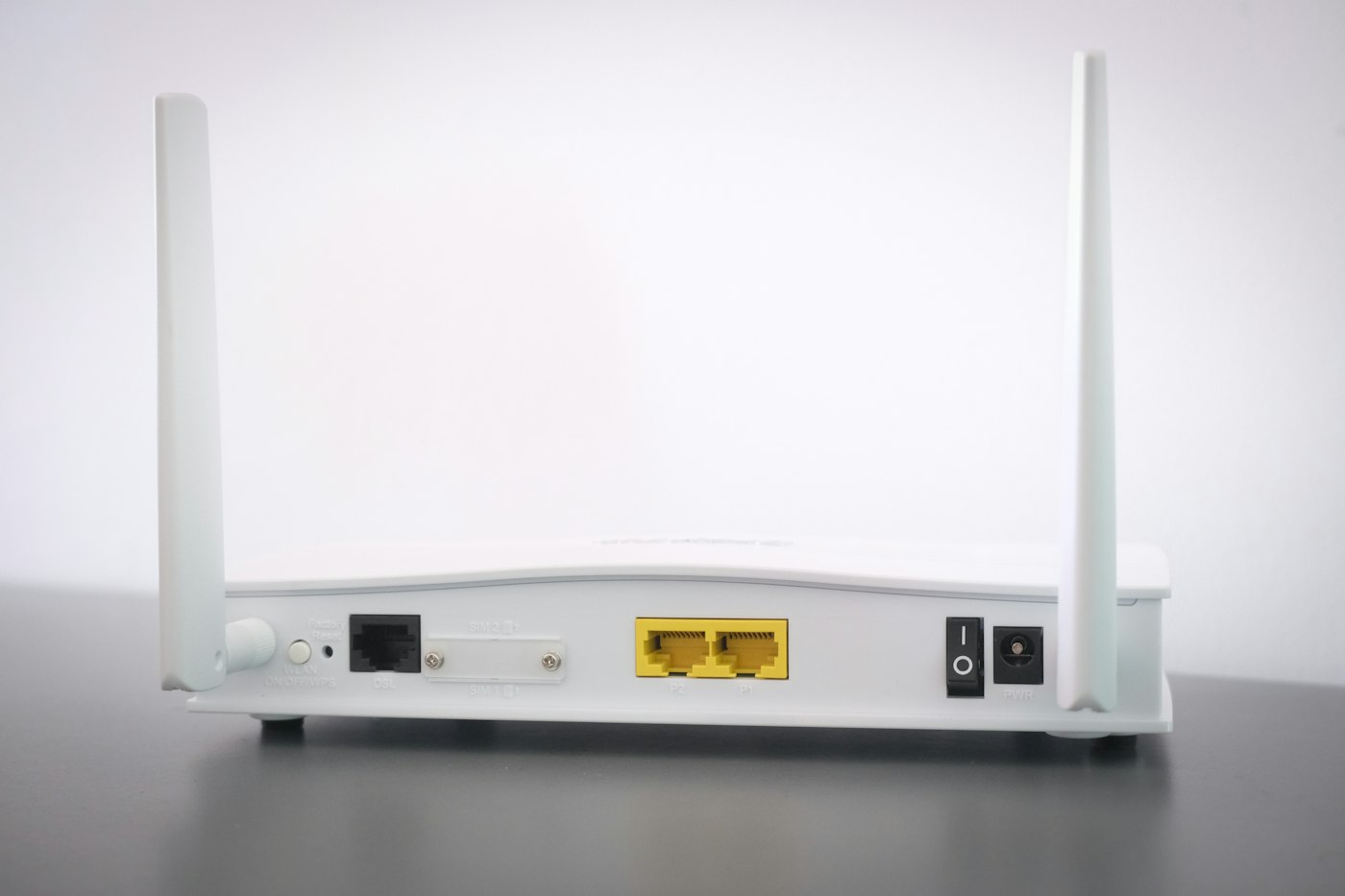
When your device shows Wi-Fi connected but websites won’t load, the problem is usually the router or your internet provider.
Quick fix: Turn the router off for 30 seconds, then on again.
1. Restart the router and modem
Unplug them for 30 seconds, plug them back in and wait 2–3 minutes.
2. Check other devices
If no device can get online, the problem is the router or provider. If only one device fails, focus on that device.
3. Check for an outage
Contact your internet provider or check their website/app for outages.
4. Forget and rejoin the network
On the problem device, forget the Wi-Fi network and reconnect.
5. Flush DNS (Windows)
Open Command Prompt and run ipconfig /flushdns.
6. Change DNS
Try a public DNS like 8.8.8.8 or 1.1.1.1 in your network settings.
7. Check router lights
A red or orange internet light usually means no signal from your provider.