Frequent disconnections are frustrating, especially during calls or streaming.
1. Restart everything
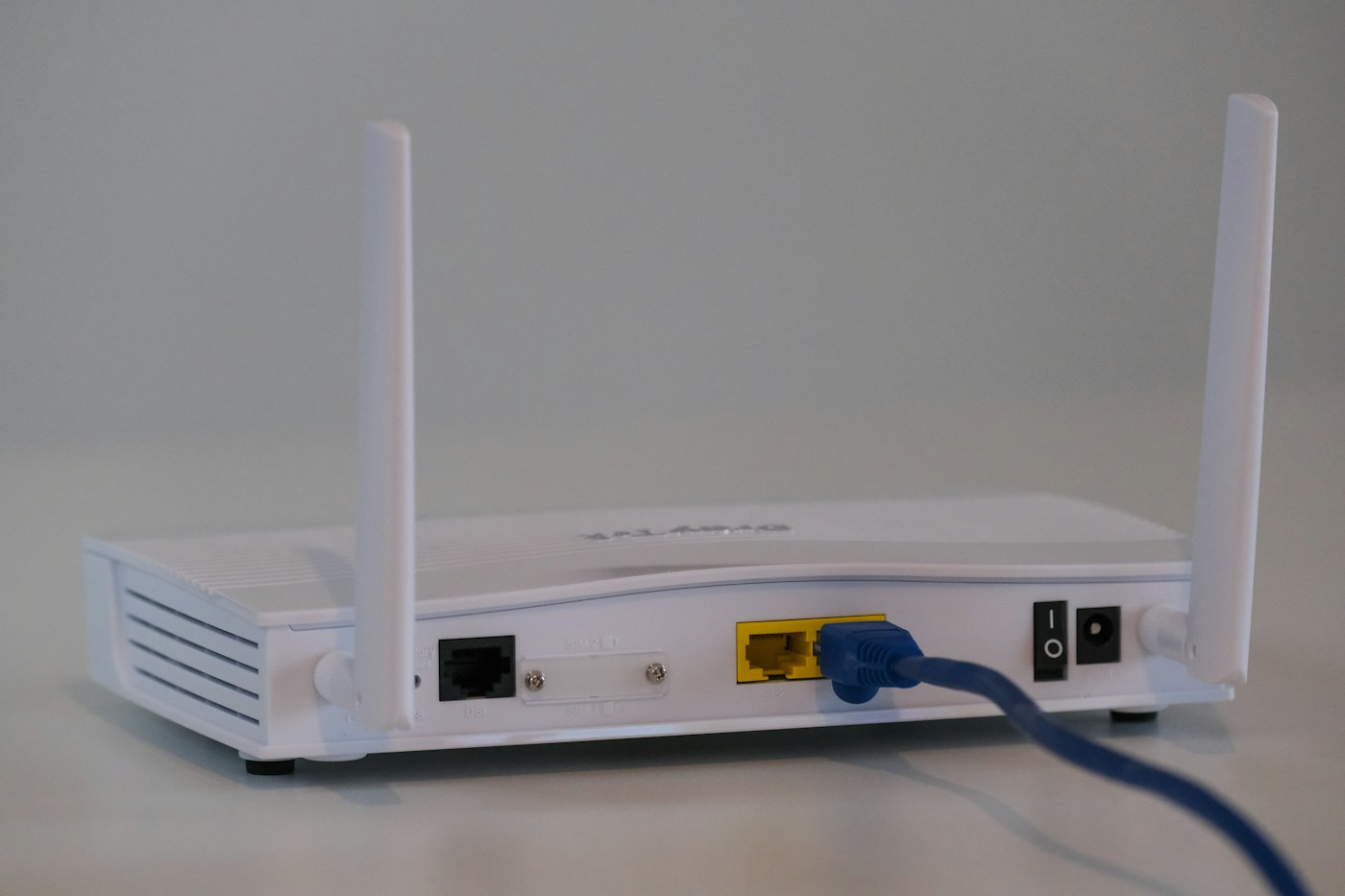
Restart your router and device.
2. Check for overheating
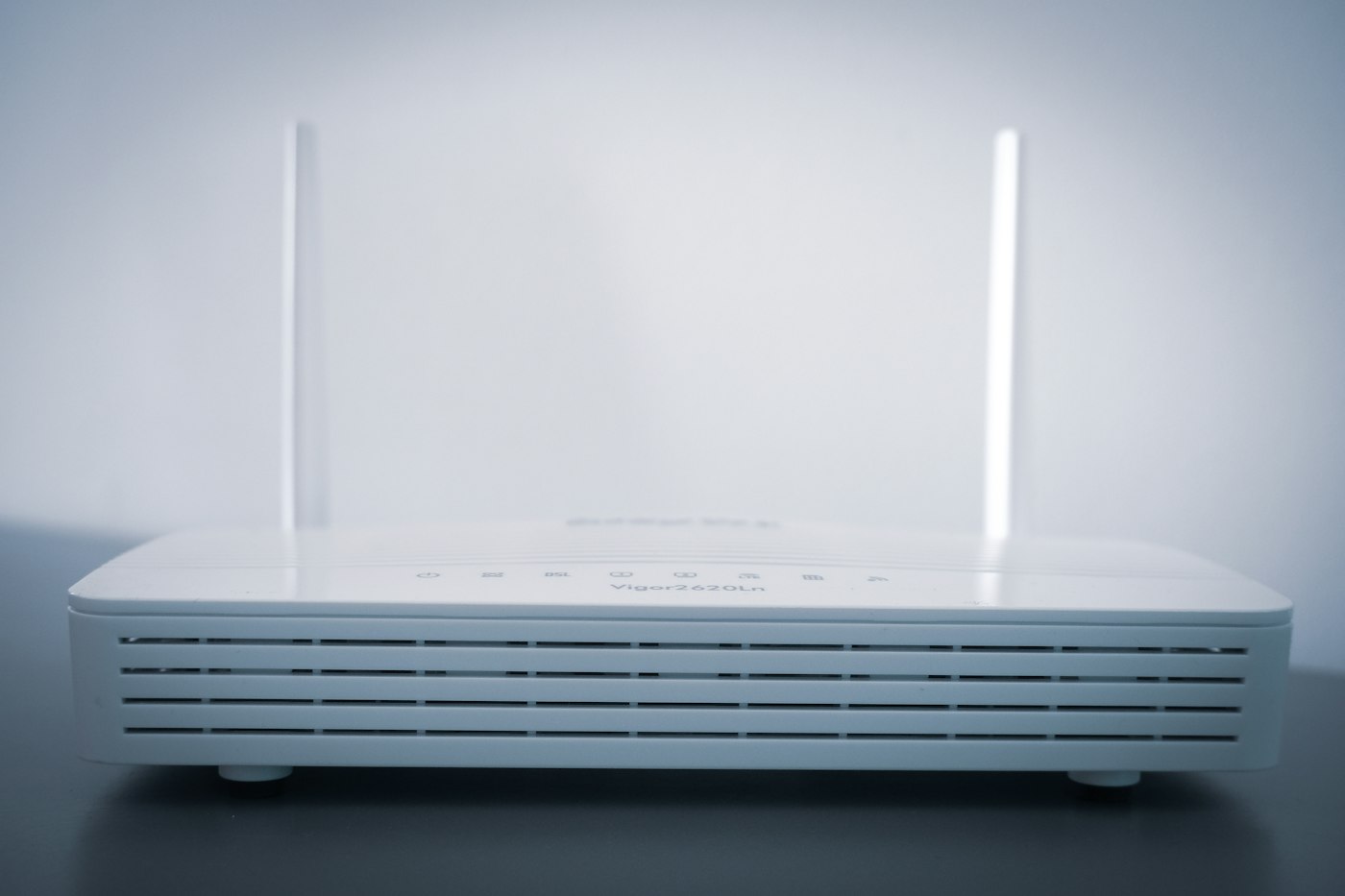
Make sure the router is in an open, ventilated spot.
3. Update drivers or software
On laptops, update the Wi-Fi adapter driver.
4. Turn off power saving for Wi-Fi
On Windows, open Device Manager > Network adapters > your Wi-Fi adapter > Properties > Power Management and untick “Allow the computer to turn off this device”.
5. Change Wi-Fi channel
In router settings, choose a less crowded channel.
6. Call your provider
If the router itself keeps losing internet, the line may need checking.