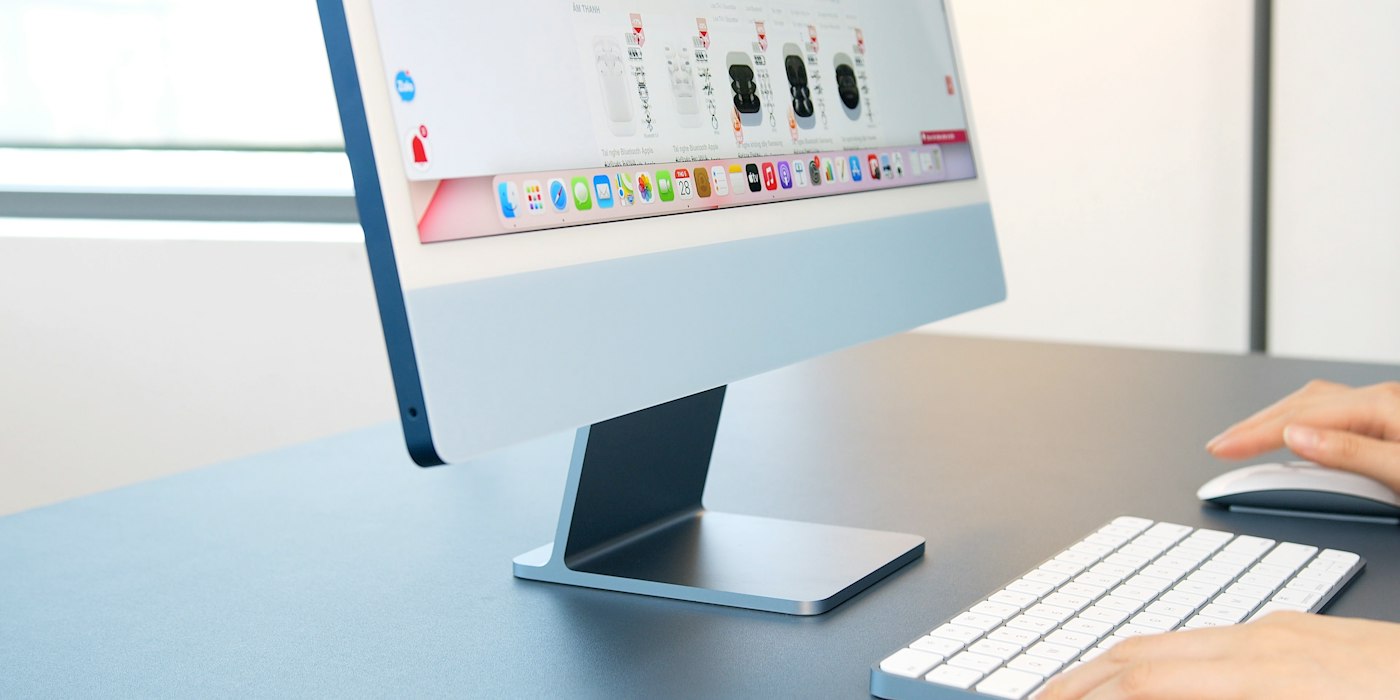
A Mac that won’t start can often be brought back with power and startup checks.
1. Check power
Make sure the charger or power cable is connected and the outlet works. Charge a MacBook for at least 15 minutes.
2. Press and hold the power button
Hold for 10 seconds, release, then press again.
3. Disconnect accessories
Remove all external devices.
4. Use Safe Mode
On Apple silicon Macs, hold the power button until startup options appear, select your disk, hold Shift and click Continue in Safe Mode.
5. Use macOS Recovery
From startup options, choose Options to open Recovery, where you can run Disk Utility First Aid.
6. Contact Apple
If nothing works, contact Apple Support.