macOS has built-in shortcuts for every kind of screenshot.
1. Whole screen
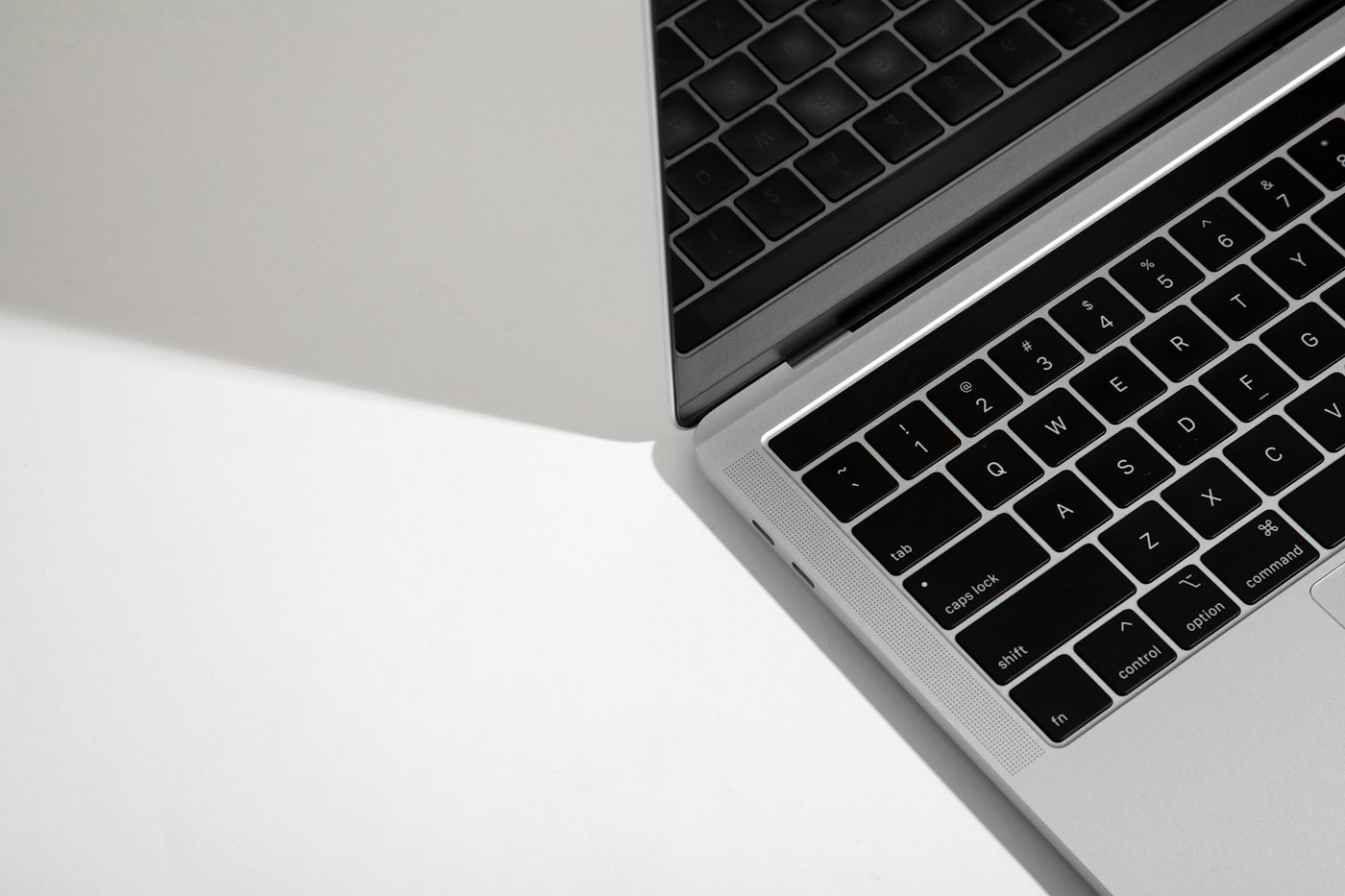
Press Shift + Command + 3.
2. Selected area
Press Shift + Command + 4 and drag to select.
3. A window
Press Shift + Command + 4, then press Space and click a window.
4. Screenshot toolbar
Press Shift + Command + 5 for more options, including screen recording and save location.
5. Copy to clipboard
Add Control to any shortcut to copy instead of saving a file.