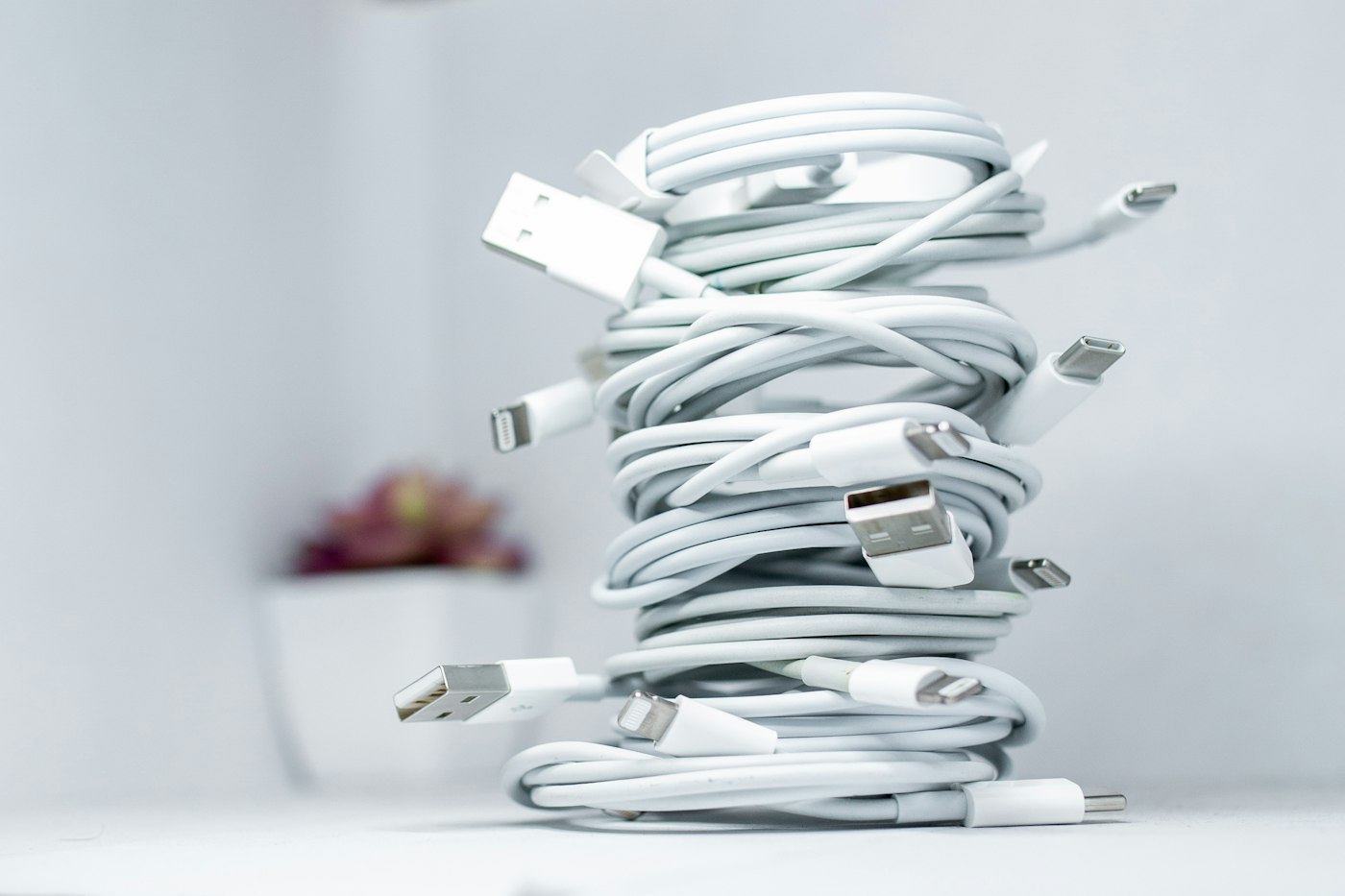
Most iPhone charging problems come from cables, adapters or a dirty port.
1. Try a different cable and adapter
Use an Apple or MFi-certified cable.
2. Clean the port
Turn the iPhone off and gently remove lint with a wooden toothpick.
3. Force restart
For iPhone 8 and later: press and release Volume Up, press and release Volume Down, then hold the side button until the Apple logo appears.
4. Check Optimised Charging
If charging stops at 80%, this is Optimised Battery Charging, not a fault.
5. Let it cool down
iPhone pauses charging when it’s too hot.
6. Contact Apple Support
If it still won’t charge, book a repair with Apple or an authorised provider.