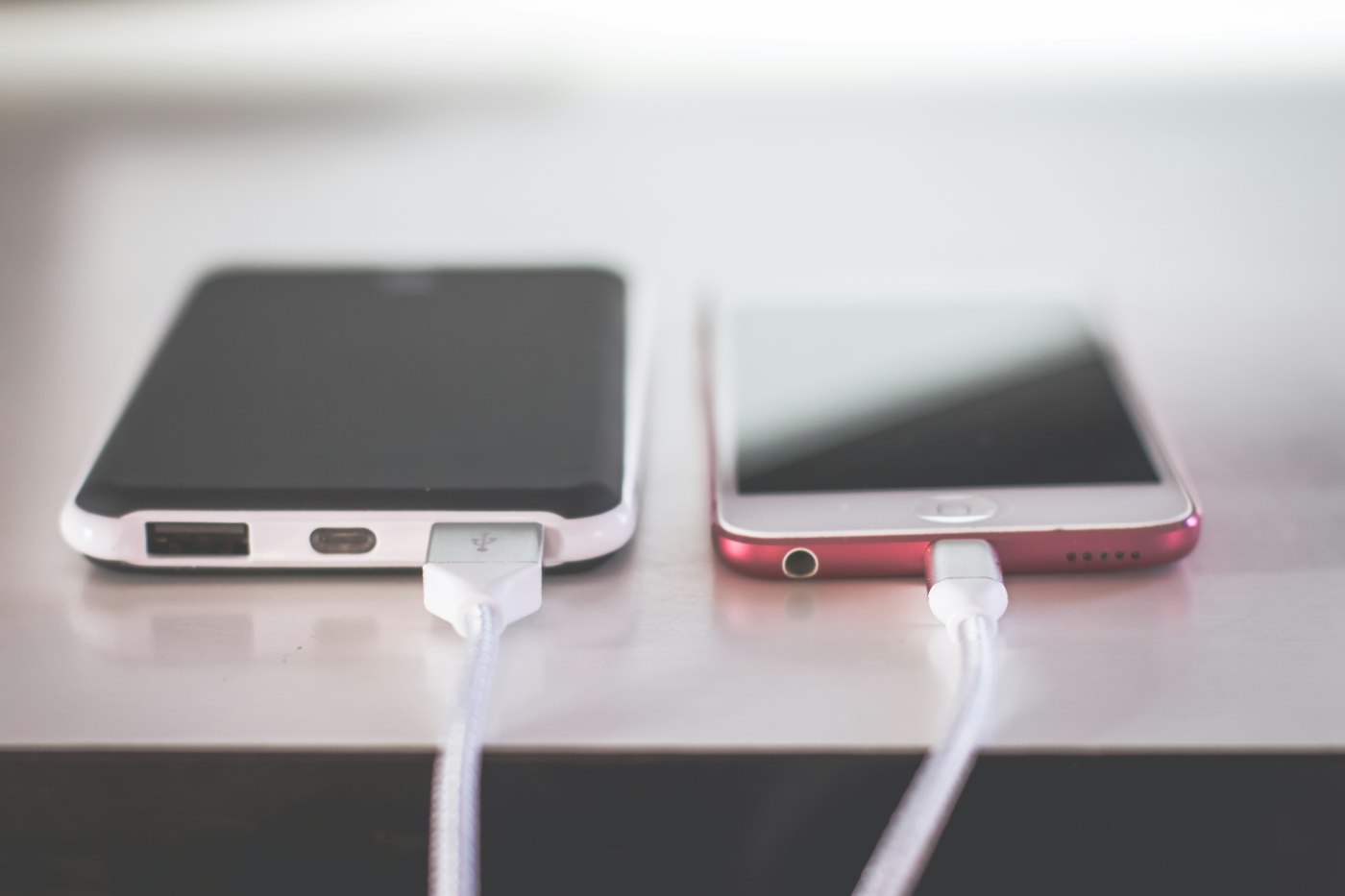
A few changes in Settings can noticeably improve iPhone battery life.
1. Check battery usage
Settings > Battery shows which apps use the most power.
2. Check battery health
Settings > Battery > Battery Health & Charging. Below about 80%, a replacement may help.
3. Turn on Low Power Mode
Use it when you need to stretch battery life.
4. Lower brightness
Turn on Auto-Brightness in Accessibility > Display & Text Size.
5. Limit Background App Refresh
Settings > General > Background App Refresh. Turn it off for apps that don’t need it.
6. Review location access
Settings > Privacy & Security > Location Services. Set apps to While Using.
7. Update iOS
Updates often include battery fixes.
8. Avoid extreme heat
Heat damages batteries over time.