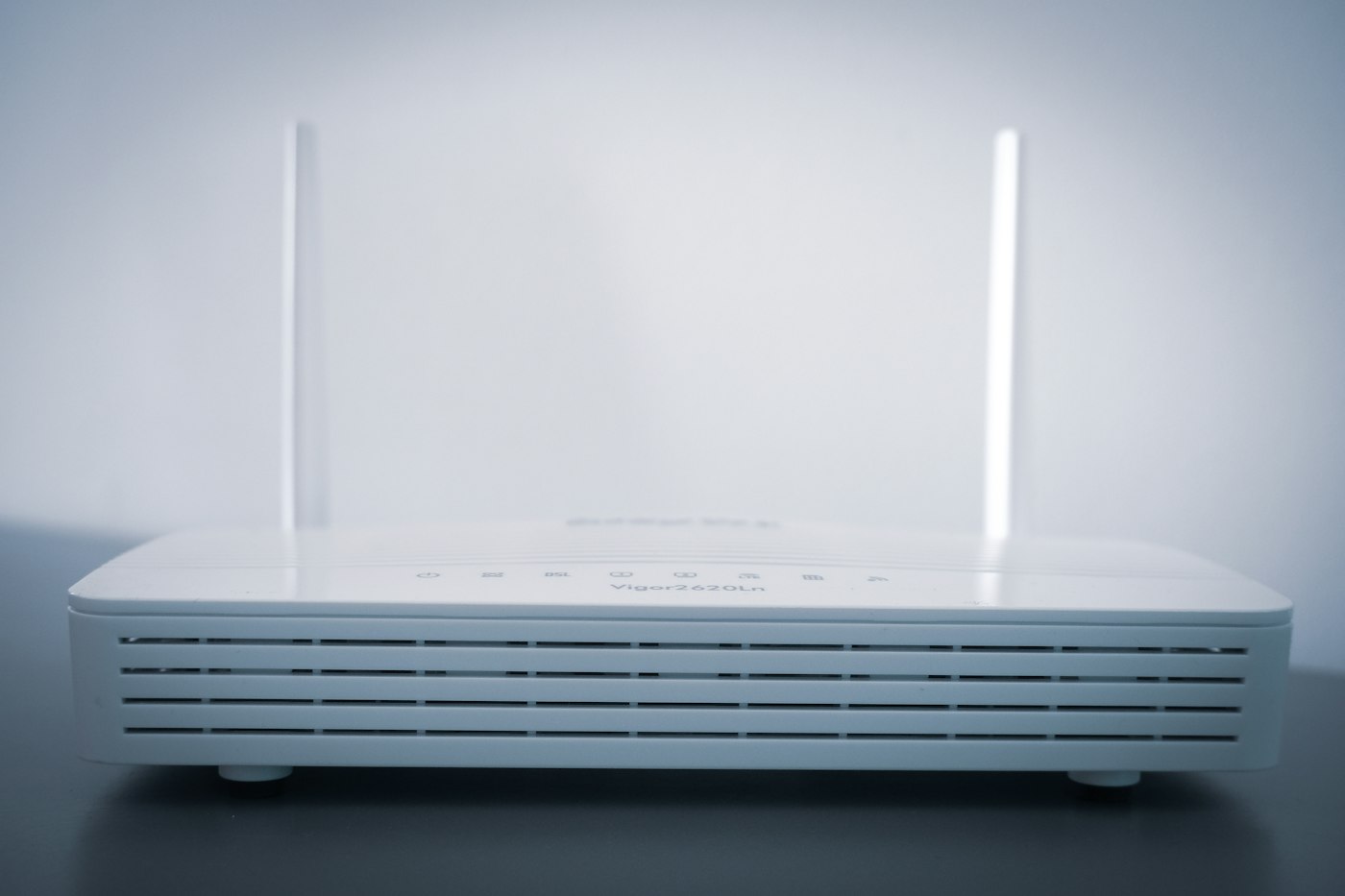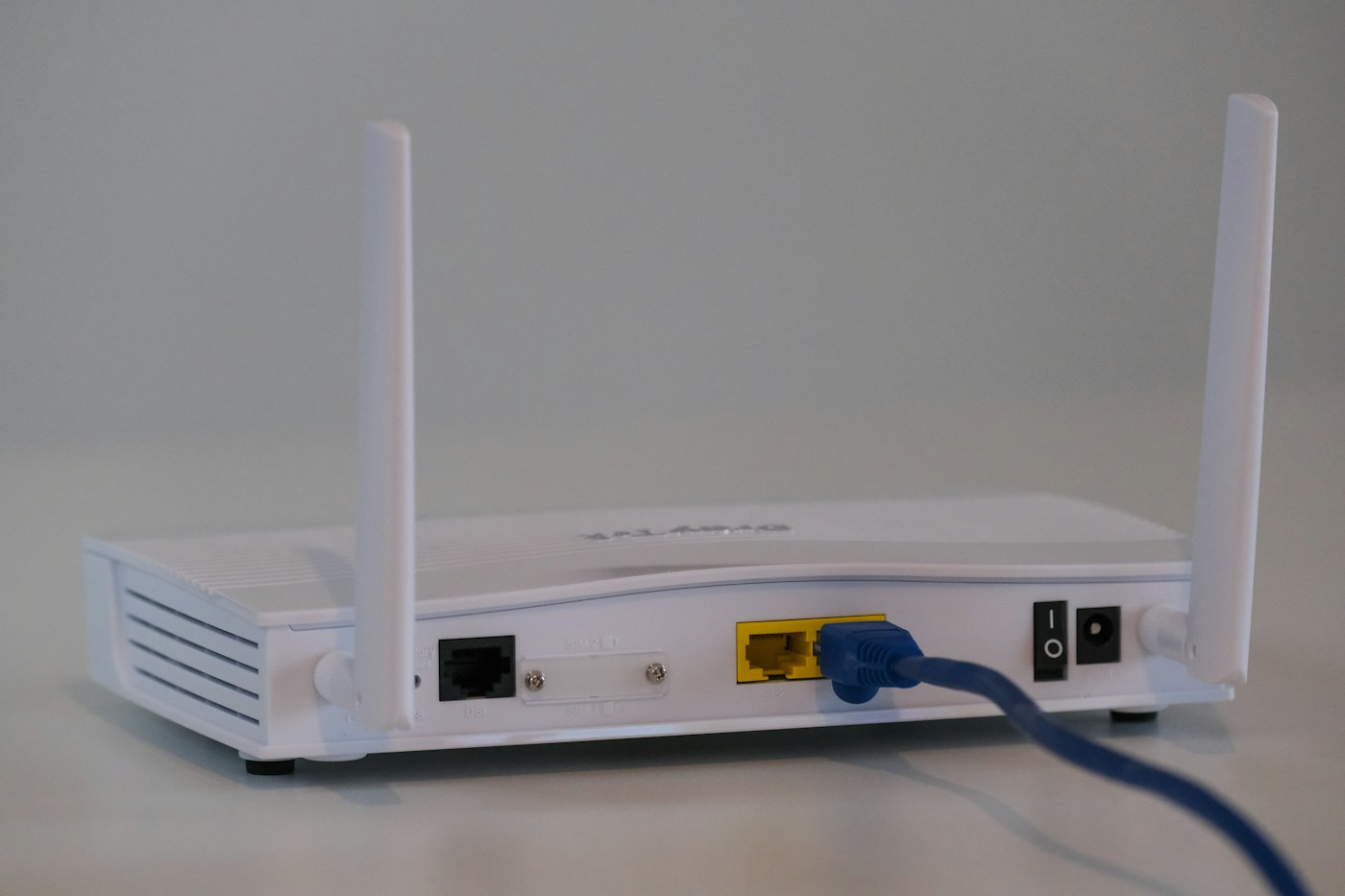
Slow Wi-Fi is often caused by router placement, interference or too many devices.
1. Run a speed test
Compare the result with the speed in your internet plan.
2. Move the router
Place it centrally, high up and away from walls, microwaves and thick furniture.
3. Use 5 GHz
5 GHz is faster at short range; 2.4 GHz reaches further but is slower.
4. Restart the router weekly
This clears memory and can improve performance.
5. Disconnect unused devices
Many connected devices share the same bandwidth.
6. Update router firmware
Check the router’s admin page or app for updates.
7. Consider a mesh system
For large homes, mesh Wi-Fi or a range extender helps cover dead zones.