Charging problems are often caused by a dirty port or a faulty cable, not the phone itself.
1. Try another cable and adapter
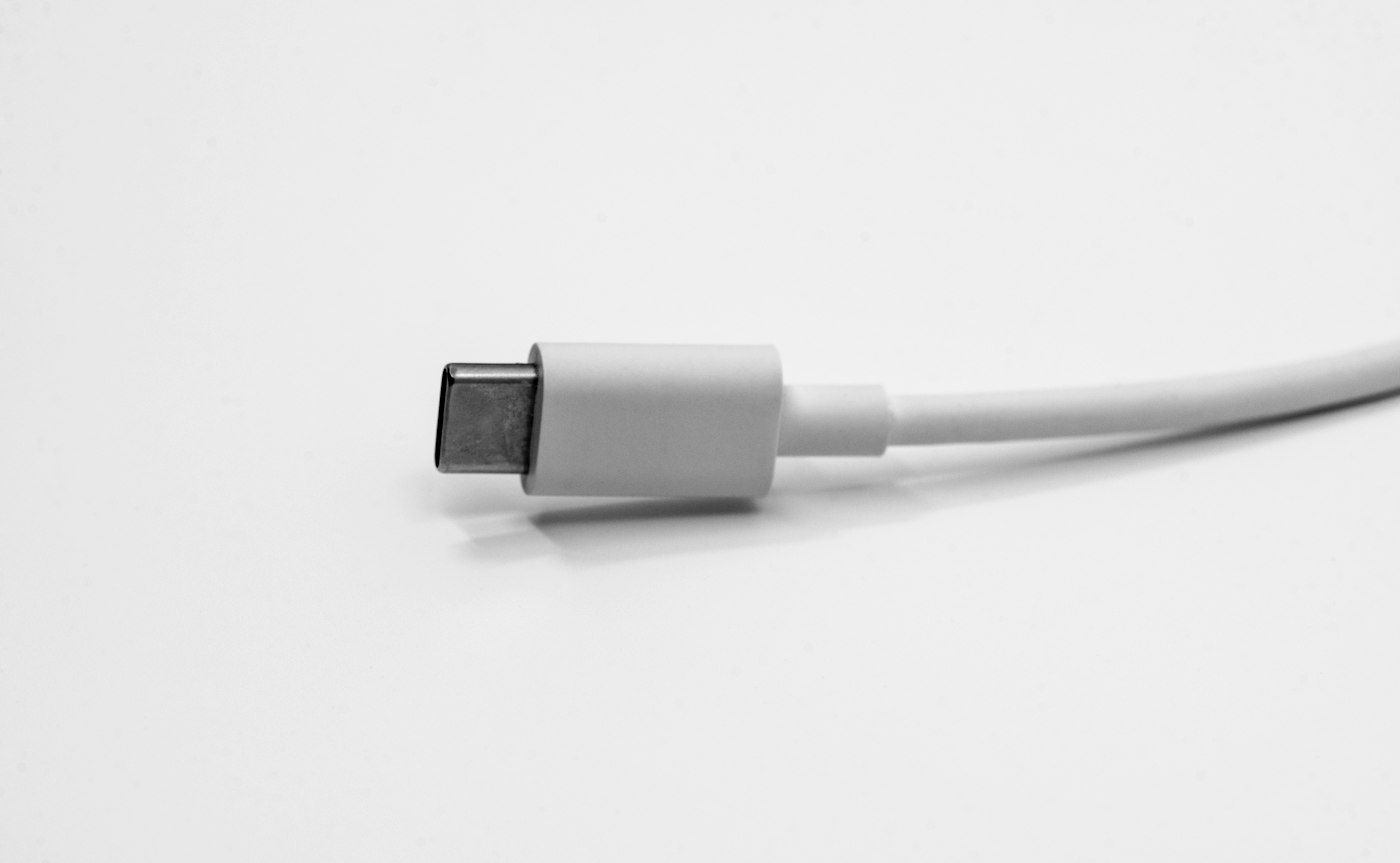
Cables wear out. Test with a different, good-quality cable and charger.
2. Clean the charging port
Lint builds up in the port. Turn the phone off and gently remove it with a wooden toothpick. Don’t use metal objects.
3. Restart the phone
A restart can fix software glitches that stop charging.
4. Check for moisture warnings
If the phone shows a moisture warning, let it dry fully before charging.
5. Try Safe Mode
Boot into Safe Mode. If it charges there, a third-party app may be the cause.
6. Get it repaired
If none of this works, the port or battery may need replacing at a service centre.