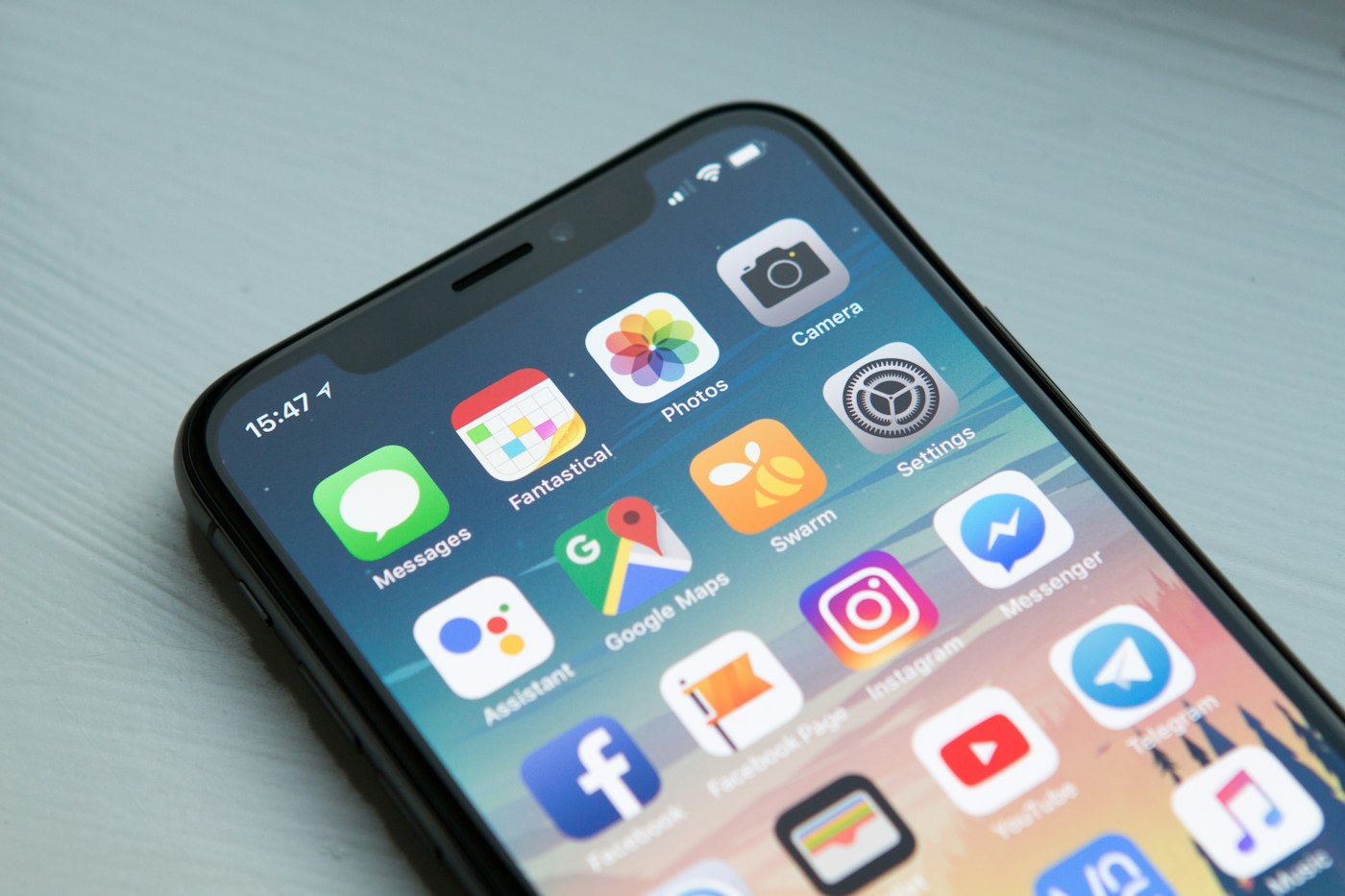
WhatsApp problems usually come from connection, permission or storage issues.
1. Check your internet
Open a website to confirm your connection works.
2. Check if WhatsApp is down
Outages happen occasionally; wait and try later.
3. Update WhatsApp
Install the latest version from the app store.
4. Allow notifications
Check phone settings and WhatsApp’s notification settings.
5. Turn off battery restrictions
On Android, set WhatsApp battery usage to Unrestricted.
6. Free up storage
Low storage can stop media downloads.
7. Restart the phone
Restarting clears temporary glitches.