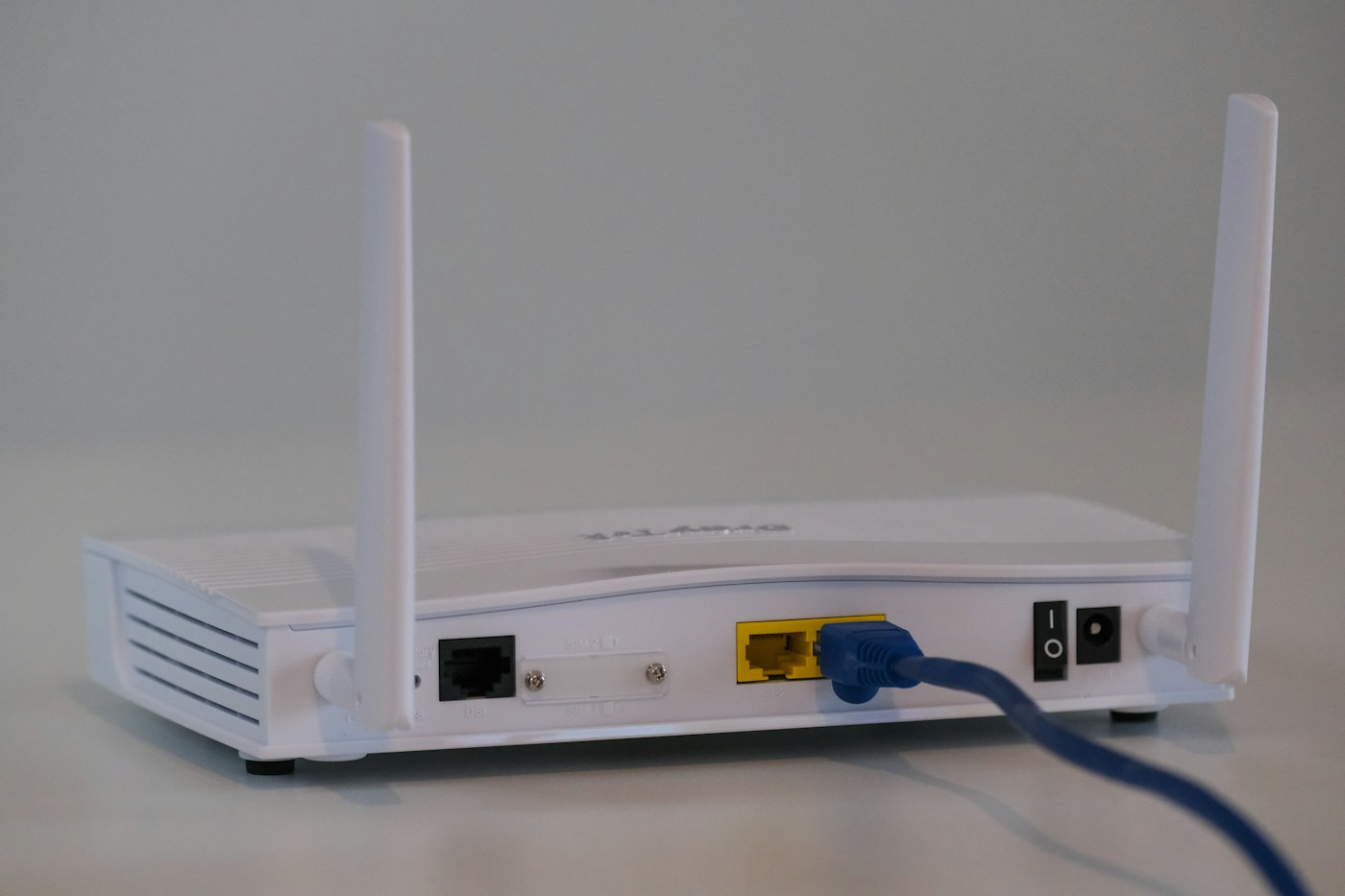








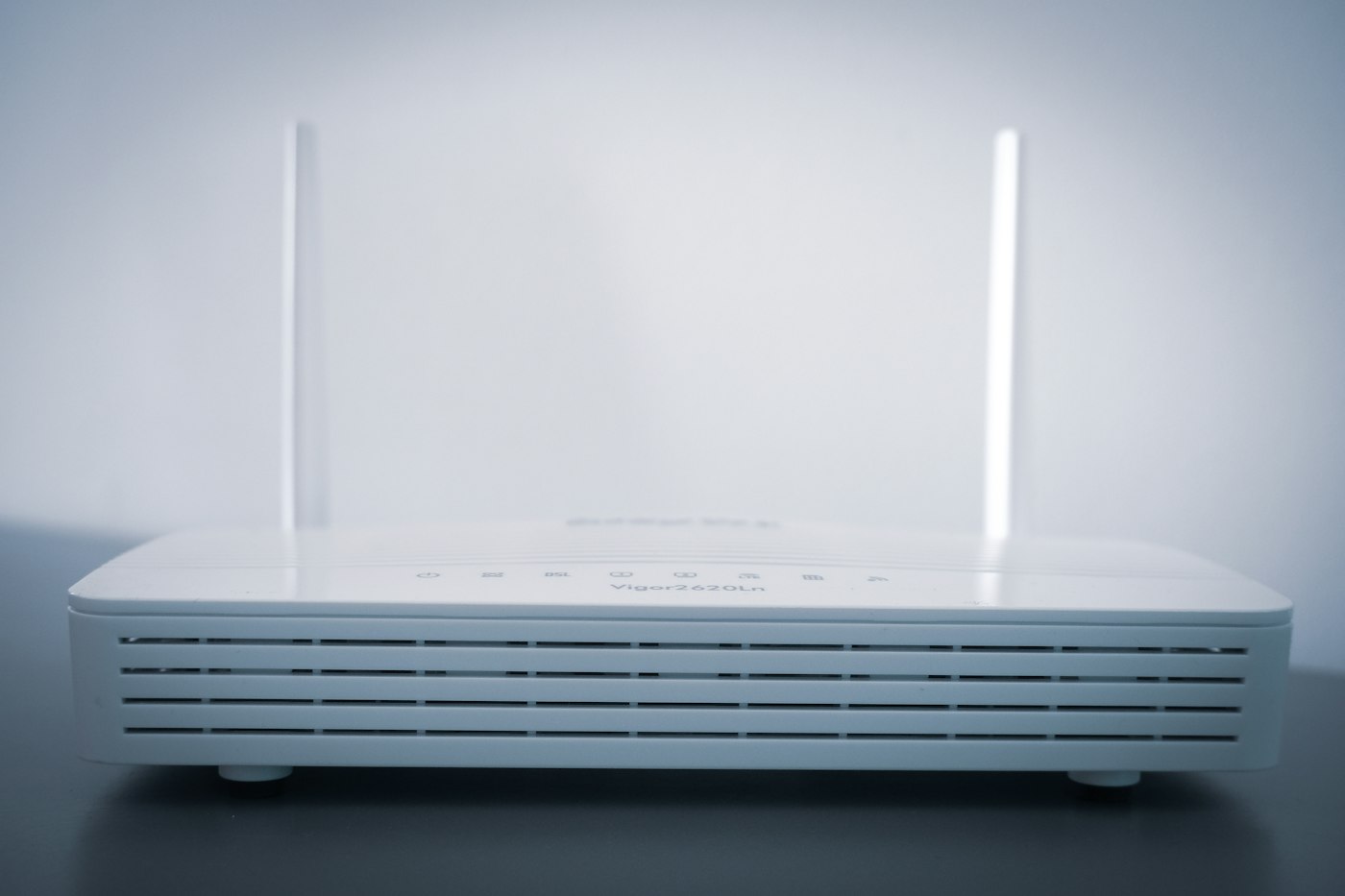
Frequent disconnections are frustrating, especially during calls or streaming.
Before You Start
- Check if all devices drop or just one.
- Note when drops happen.
1. Restart everything
Restart your router and device.
2. Check for overheating
Make sure the router is in an open, ventilated spot.
3. Update drivers or software
On laptops, update the Wi-Fi adapter driver.
4. Turn off power saving for Wi-Fi
On Windows, open Device Manager > Network adapters > your Wi-Fi adapter > Properties > Power Management and untick “Allow the computer to turn off this device”.
5. Change Wi-Fi channel
In router settings, choose a less crowded channel.
6. Call your provider
If the router itself keeps losing internet, the line may need checking.
Why This Happens
Frequent disconnections can be caused by router overheating, outdated firmware, interference, power-saving settings or ISP line problems.
Still Not Working? Try These Advanced Fixes
- Assign a fixed Wi-Fi channel.
- Update network drivers on laptops.
- Replace old routers.
How to Prevent This Problem
- Keep router ventilated.
- Update firmware.
- Avoid placing near microwaves.
Quick Troubleshooting Table
| Problem | Try this |
|---|---|
| All devices drop | Router or ISP |
| Laptop drops | Disable power saving |
| Drops at night | Check router overheating |
Frequently Asked Questions
Can a router wear out?
Yes, after several years.
Do Wi-Fi extenders help?
They can improve coverage.