Forgot your home Wi-Fi password? You can usually find it on a device that’s already connected.
1. On the router
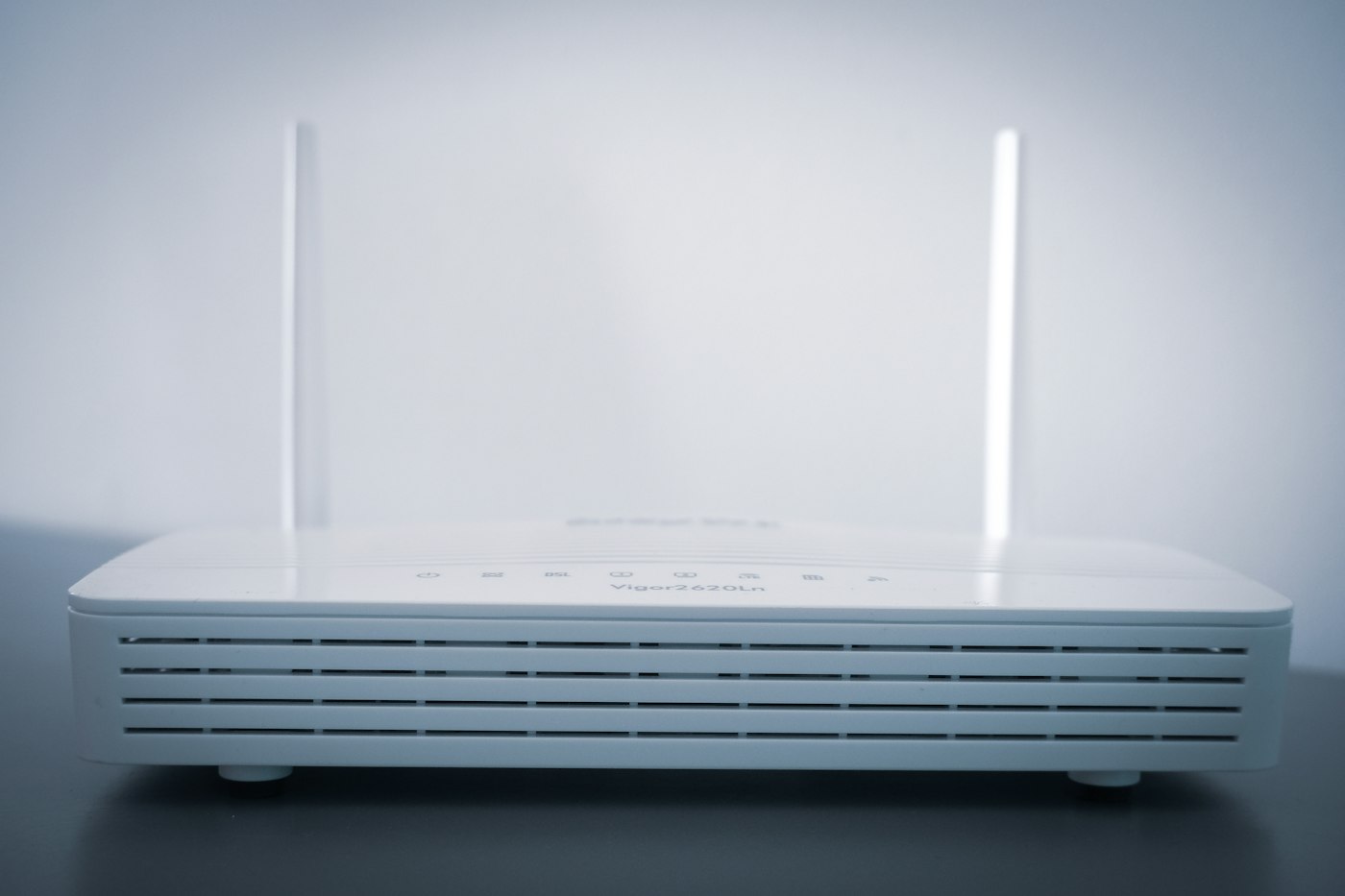
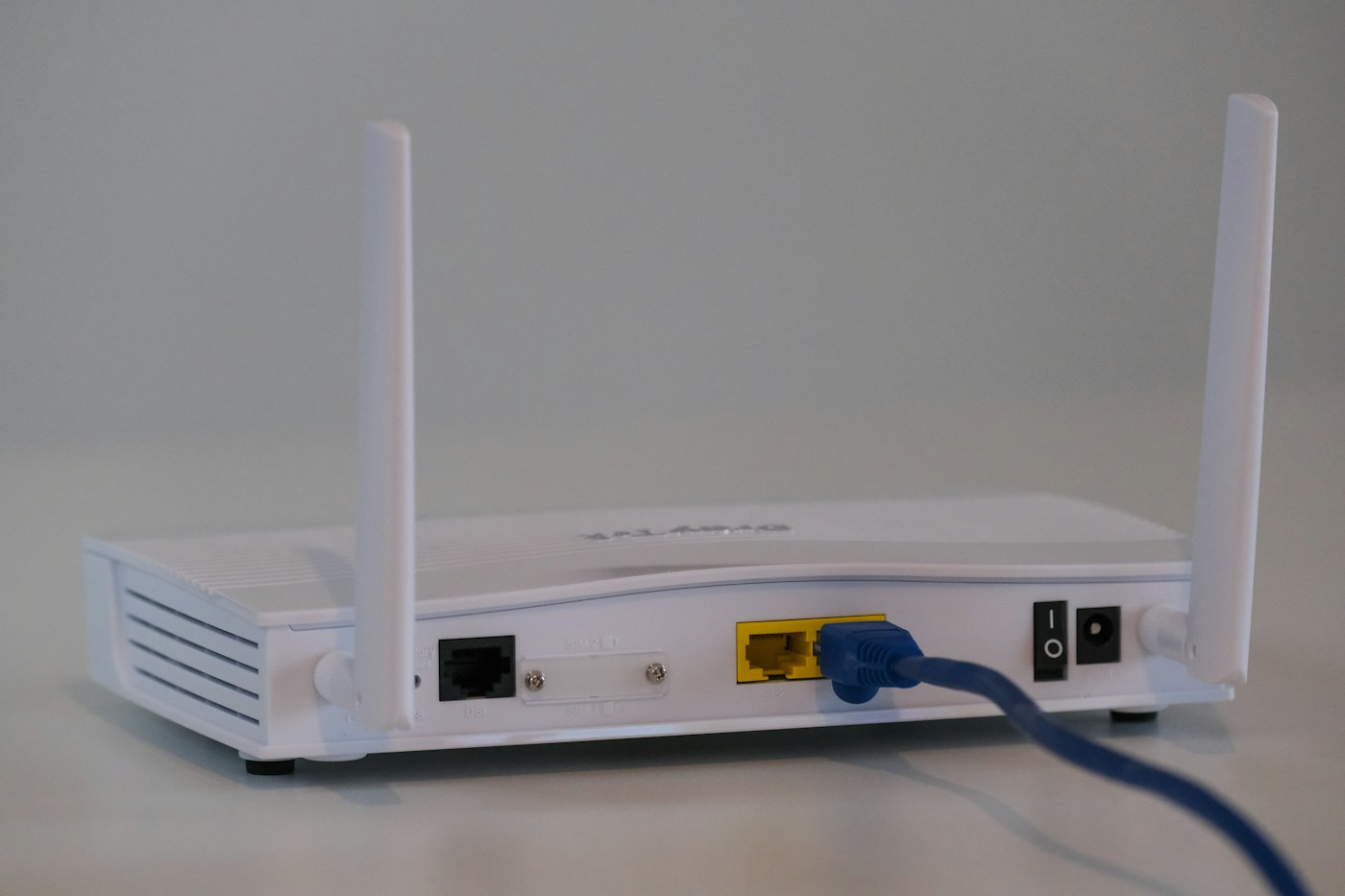
Many routers have the default password on a sticker underneath.
2. On Windows
Settings > Network & internet > Wi-Fi > Manage known networks > select your network > View Wi-Fi security key.
3. On Android
Settings > Network & internet > Wi-Fi > tap your network > Share. The password appears under the QR code.
4. On iPhone
Settings > Wi-Fi > tap (i) next to the network > tap Password and authenticate.
5. On Mac
Open the Passwords app (or Keychain Access), search for the network name and show the password.
Tips
- Only view passwords for networks you own or are allowed to use.